|
|
Single Drive - Step 3
-
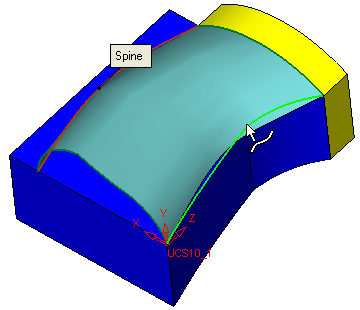
Edit the face, selecting a second spine as shown:
-
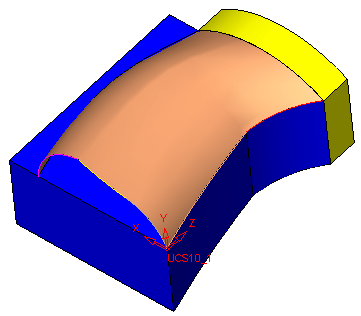
Click OK in the Drive Feature Guide to create the drive face. It now follows both spines.


|
|
|
|
Single Drive - Step 3
Edit the face, selecting a second spine as shown:
Click OK in the Drive Feature Guide to create the drive face. It now follows both spines.
|
