|
|
Editing a Segment Row Step 4
-
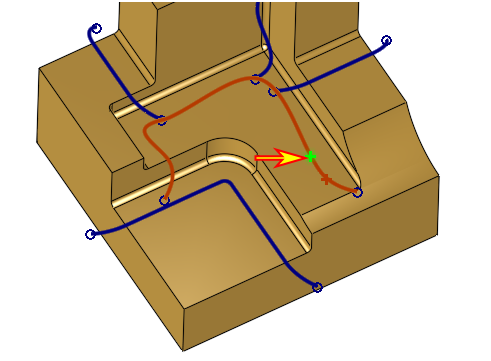
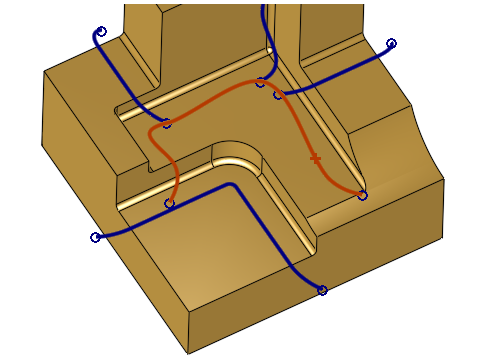
Select the newly merged segment. Click Split.
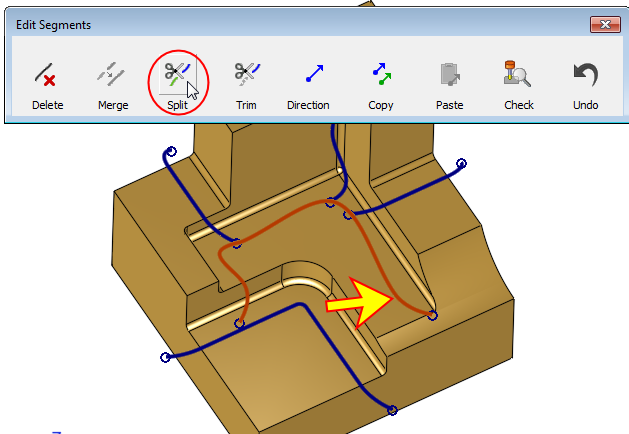
By default, the system selects the splitting point according to the pick location on the curve. -
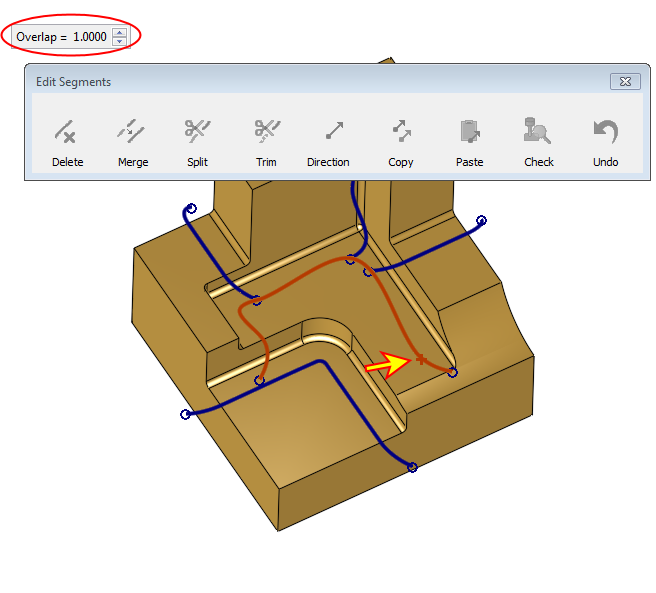
After the point is picked, an Overlap distance setting screen parameter (SP) is displayed.
The overlap will ensure that the two split segments will later be machined almost as smooth, as the original segment was machined without being split.
Set the Overlap to 1.
-
Pick the segment again to set the required splitting point (if it is different from the default one).