|
|
Editing a Segment Row Step 3
-
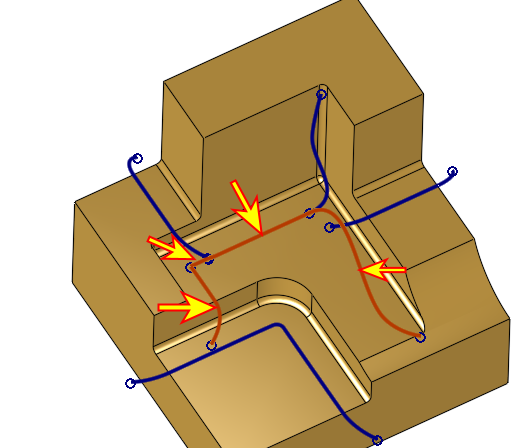
Select the four segments (indicated by arrows in the following image) and click Merge.

-
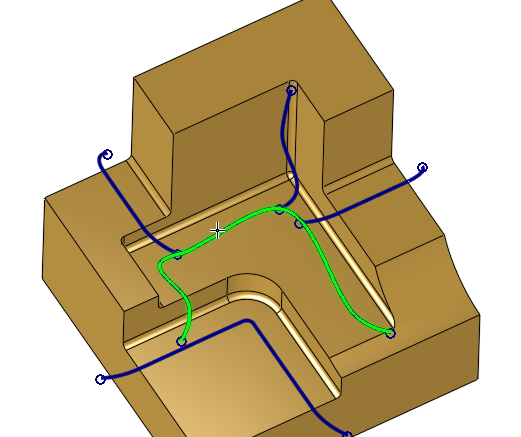
As a result, all four segments merged into one and the row shows five segments. The merging will enable cutting all these four segments in one continuous, smooth cut.