|
|
Editing a Segment Row Step 6
-
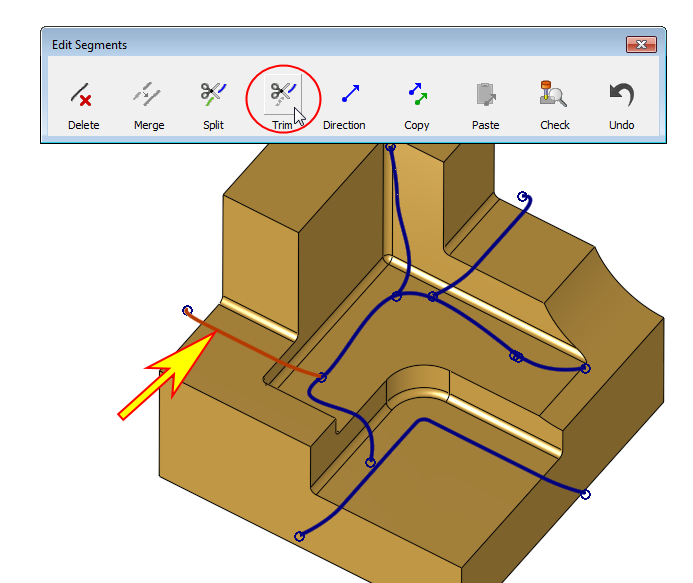
Select the segments indicated by the arrow in the following image, and click Trim.
-
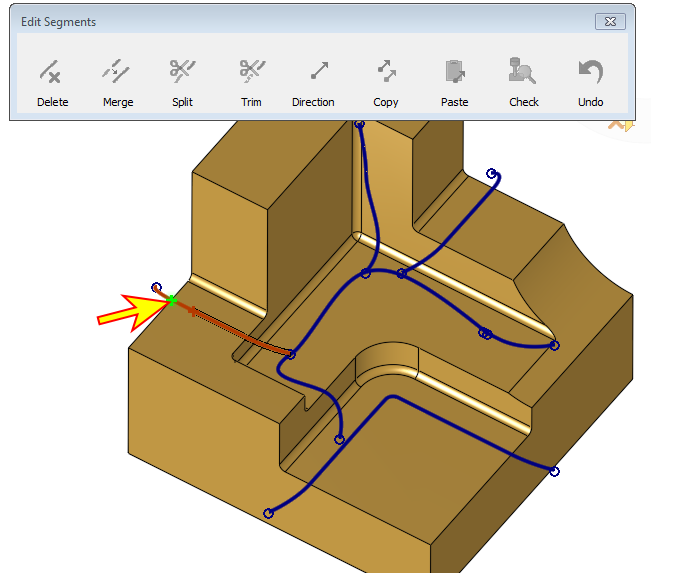
Pick a trimming point on the selected segment somewhere near the edge as indicated by the arrow in the following image:
-
Note that the part, which turns black, is the one to be removed.
We would like to remove the extra wire that exceeds the model.
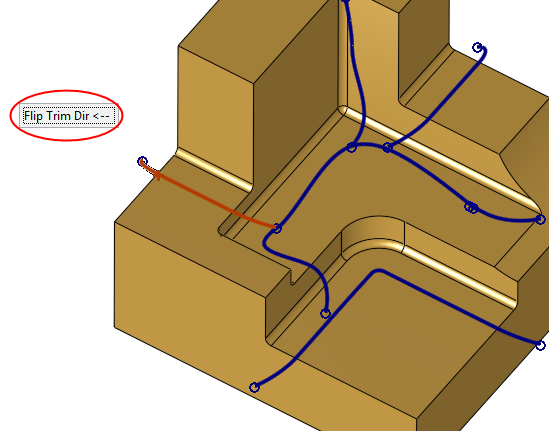
Use the Flip Trim Dir screen parameter (SP) if necessary.
-
Click OK to complete the trimming.
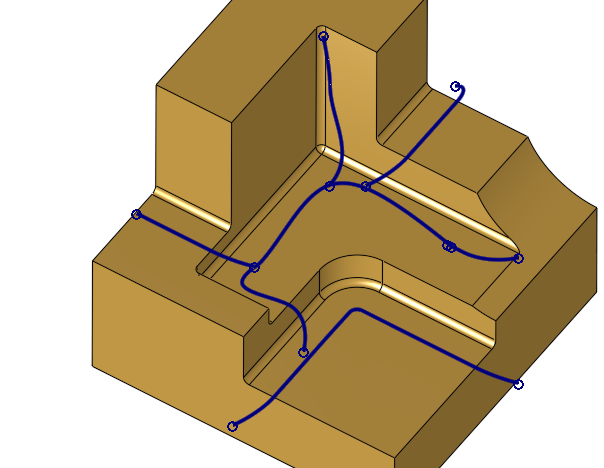
The trim option enables you to shorten segments and prevents later cutting where it is not needed for any reason.


