|
|
Selection of Entities - Filter
Entities
Within Cimatron, the cursor shows the user what kind of entity is being selected. A few examples will follow:
-
Open the file Selection.elt file located in the following folder:
\\Cimatron_Documents\Tutorials\Cimatron_2025.0_Workfiles\DesignClick on the icons below (found in the Shortcut Filter BarShortcut Filter Bar) for a graphical interpretation:

Objects

Faces
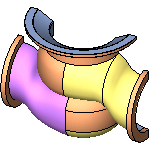
Sketches and Composites

Edges and Curves

Datum

UCS
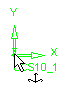
-
Click the Object Filter buttonObject Filter button
. Now faces and edges cannot be selected.
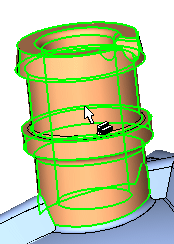
This occurs to prevent ambiguity. Faces and edges are part of an object so the system would have no way of knowing which entity you want.
With these default settings, sketches, composite curves, and datums can still be selected.


