|
|
High Level
Sketches and Composite Curves are considered high-level entities (they have selection priority over the simple curves or edges that comprise them).
-
Set the shortcut filter bar to sketches and edges.

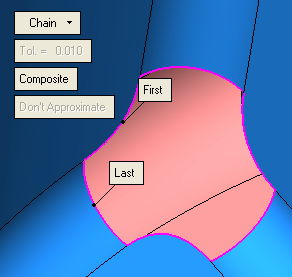
The cursor selects the composite curvecomposite curve rather than individual edges.
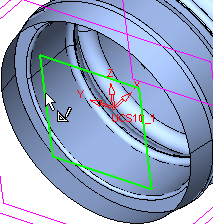
The entire sketchsketch is selected rather than simple curves.
-
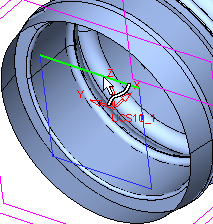
Unselect the Filter Sketches iconFilter Sketches icon
 . The edges and simple curves can now be selected.
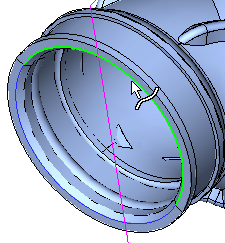
When selecting high-level entities, the Select Other mechanism can also be used to choose lower-level entities. This function will be discussed in the Select Other chapter.


