|
|
Error Information
The Show Error Information is an assistant tool that's used when a problem is encountered and an error occurs. It supplies information about the cause of the fail, tracks the problematic feature, and suggests a solution or shows how to avoid the operation.
Error Information 1
-
Open the error_information.elt file located in the following folder:
\\Cimatron_Documents\Tutorials\Cimatron_2025.0_Workfiles\Design -
Select Solid > Main Tools > Taper from the menu.
-
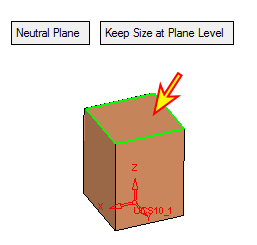
Select the top face as a reference face for the taper.
-
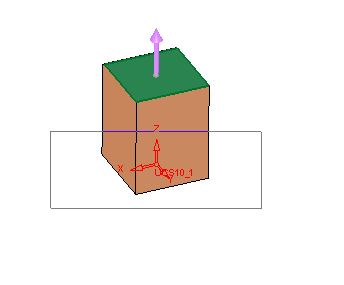
Drag a rectangle to select the vertical faces to be tapered and Exit.
-
Accept the default parameters and click OK.
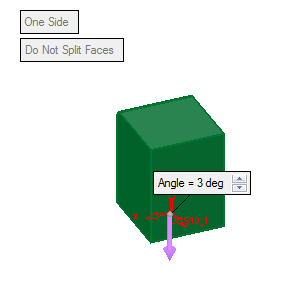
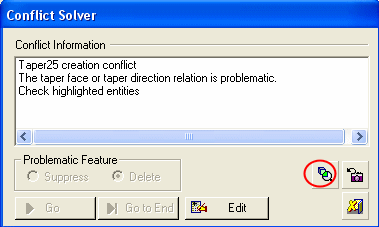
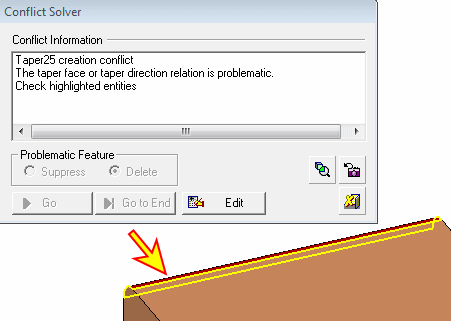
Notice the Conflict Solver. The system indicates the problematic face by highlighting the face in Red. Press the Zoom to Problematic Entity icon to emphasize the missing entity.