|
|
Error Information - more
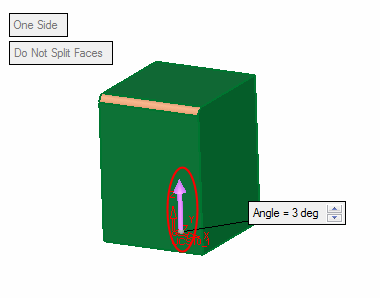
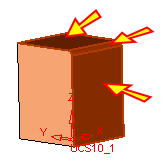
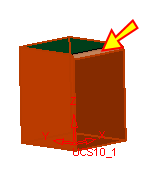
Three faces were selected when you selected the face indicated below using the by box method.
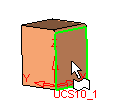
If a face that is smoothly connected to adjacent faces was selected, all smooth faces will be automatically selected.
-
EditEdit the feature. Enter the second Required Step in the Feature Guide. Click the round face to unselect it.
-
Flip the arrow direction and click OK.