|
|
Select Other - Example 1
The Select Other mechanism is used to select entities that are located behind or underneath the entity highlighted by the cursor.
-
Reset the filter options to the default settings.
-
Select an inner face of the object below:
-
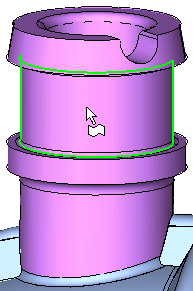
Hold the cursor over one of the front faces but do not select it.
-
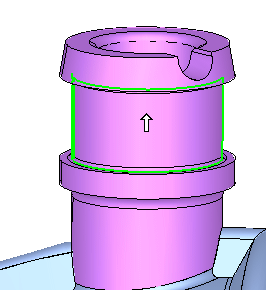
After a few seconds, the cursor changes to the Pick Other display.
-
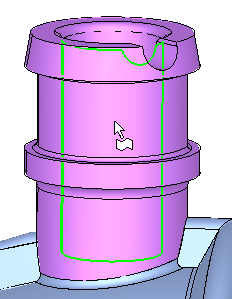
Hold the Left Mouse Button and move the cursor (upwards in this case) until one of the inner faces is highlighted.
-
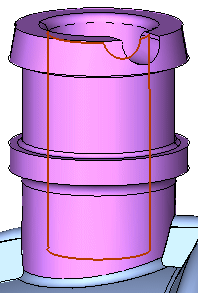
Release the mouse to select the face.
-
-
Clear the selection.


