|
|
Select Other - Example 2
As seen in the High Level step, sketches are high-level entities and have selection priority over the simple curves that comprise them.
Select Other can be used to select a simple curve that is part of a sketch.
With the default filter settings, faces will also be selected. To select a curve, it is easier if the Filter Faces icon is deselected first.
-
Move the cursor over the sketch without selecting it.
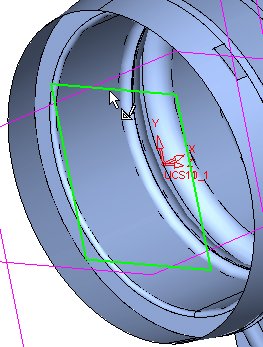
-
Wait until the cursor changes to the double arrow.
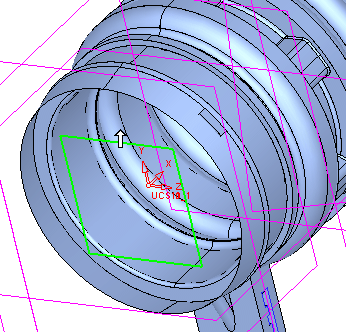
-
Hold the Left Mouse Button, move the cursor until the required curve is highlighted, and then release the mouse.
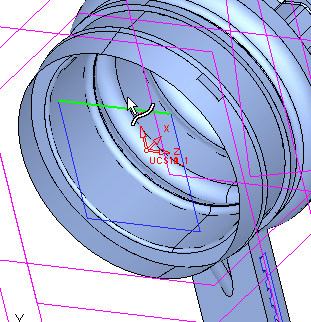
-
Clear the selection.


