|
|


Extrude Remove
-
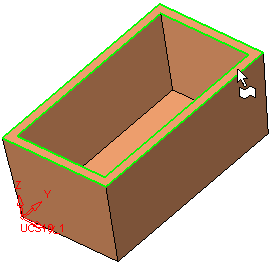
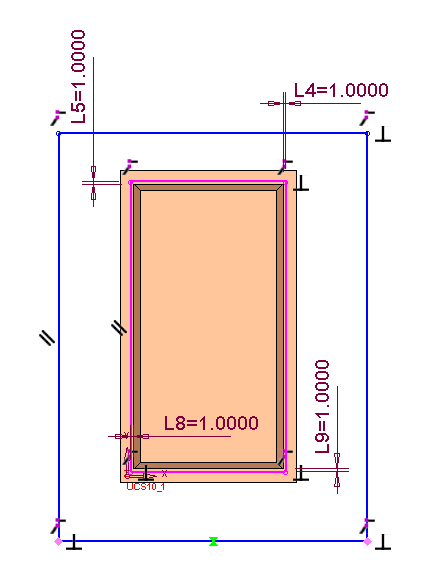
On the open plane shown herehere, draw the following sketch:
-
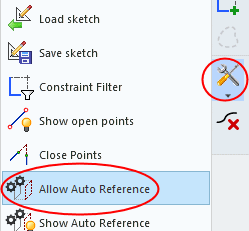
Use the Allow Auto ReferenceAllow Auto Reference option in the Sketcher guide to enable automatic references to be used.
-
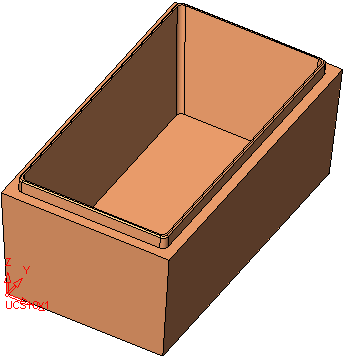
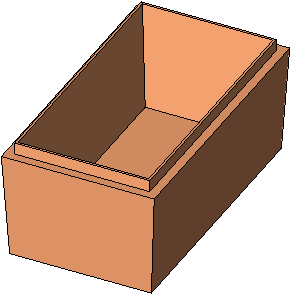
Extrude Remove this sketch by a Delta of 5.
-
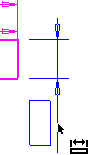
Enter the Round function, rotate to front view, and drag a box from left to right around the face shown below:
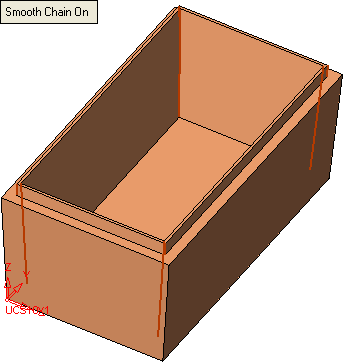
The following eight edges have now been picked:
-
Accept these edges and apply a Global Round value of 2.
-
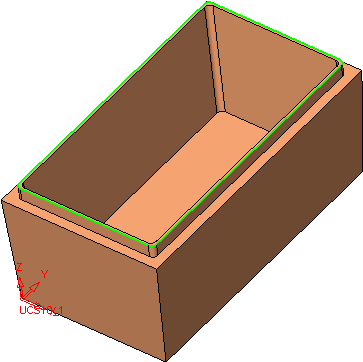
Click Apply in the Feature Guide and create a Global Round value of 0.5 on the top outer edgetop outer edge.