|
|
Displaying Motions: Global Filter
Global Filter
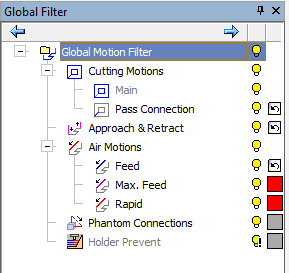
The Global Filter option enables users to display procedure motions and control the display of motions by type. Users can also control Show/Hide and Color options with the Global Filter option.
This tool provides a clearer display of the toolpath with the capability to control the display by the type of motions for a better analysis and understanding of the toolpath results.
-
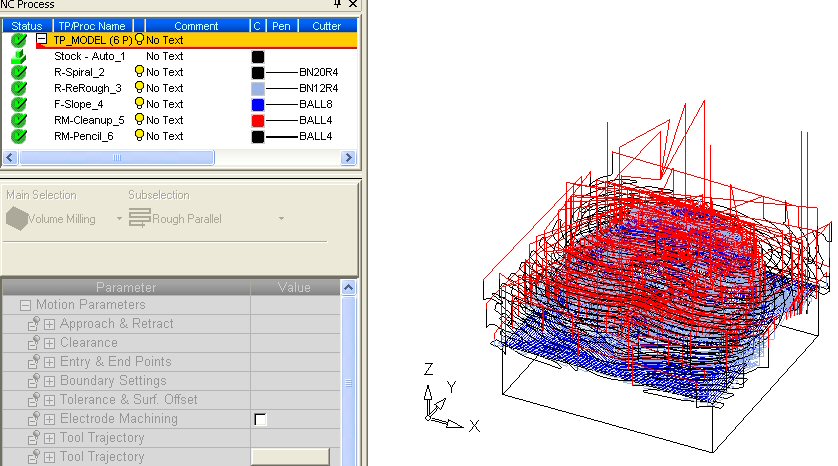
Open the global.elt file.
-
Click Global FilterGlobal Filter
 from the Feature Guide or select it from the View > Pane > Global Filter from the menu bar.
The Global Filter tree is displayed.