|
|
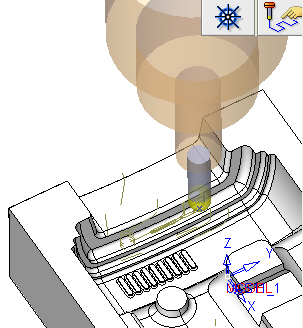
Gouge Check 1
-
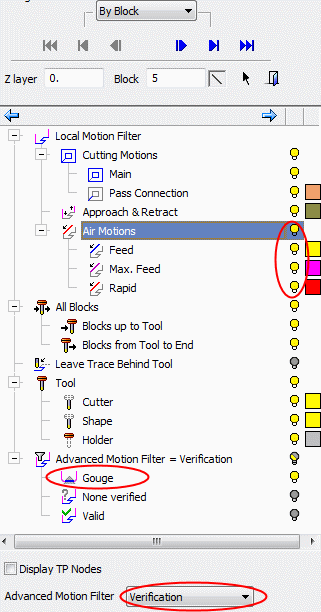
Load the Navigator.
-
Show the Air Motions.
-
A new leaf has been added to the Advanced Motion Filter = Verification branch in the Navigator tree.
Note that only the Gouge leaf is turned on, so you will see only the gouge motions.
Analyzing these motions will give you an idea of what action should be taken in order to fix the problem. These include delete, project, replace connection, add extension, etc.
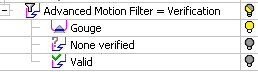
This leaf contains three options: