|
|
Hide
-
Hide the UCS, planes, sketches and compositesUCS, planes, sketches and composites, either via the Hide buttonHide button
 or by selecting Hide from the popup menupopup menu.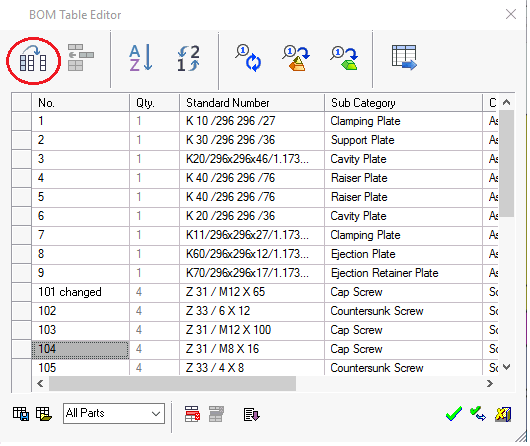
-
ExitExit to accept.
-
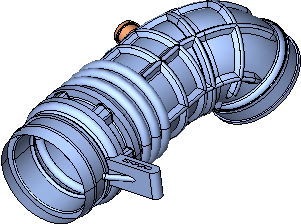
Show All entities, either via the Show iconShow icon
 or by selecting Show from the popup menu.
Select All via the Select All buttonSelect All button
 .
. -
ExitExit to accept.
-
Select All using the Select All iconSelect All icon
.
-
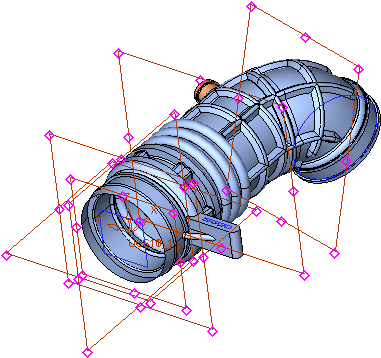
Right-click and select Hide Other.
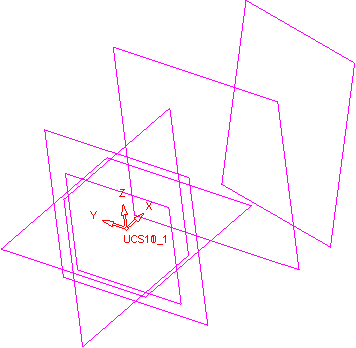
The image below shows all entities hidden except the datums.
-
Show All entities.


