|
|
Holder Library and Locations Manager
-
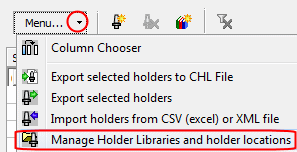
From the menu, click Manage Holder Libraries and Holder Locations.
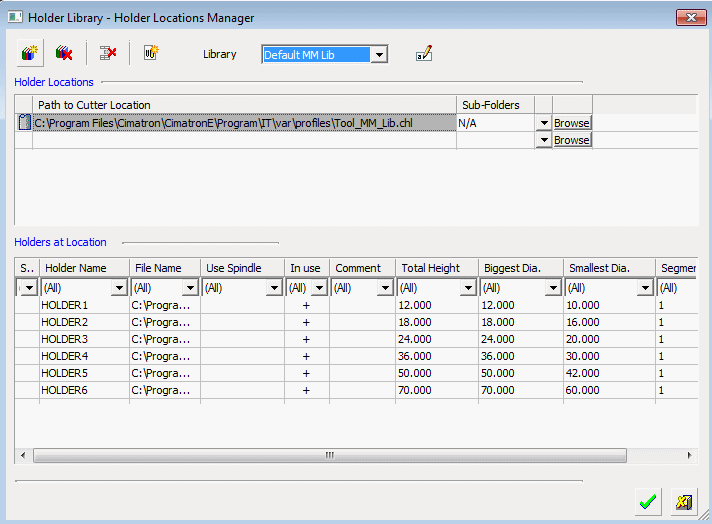
The default library is displayed in the dialog (similar to the Cutter Location Manager).
-
Create a new library.

-
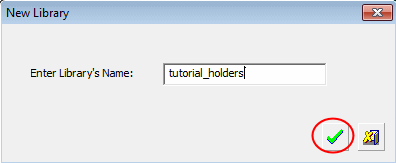
Name the library tutorial_holders.
-
Click OK.
-
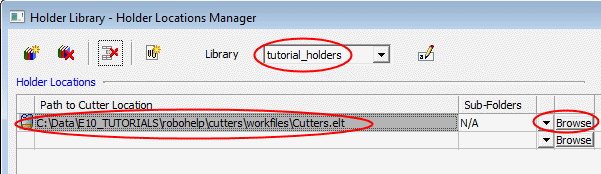
Add the cutters.elt file to the new library.
-
Click OK.
-
In the tutorial_holders library copy and paste the cuttercopy and paste the cutter.
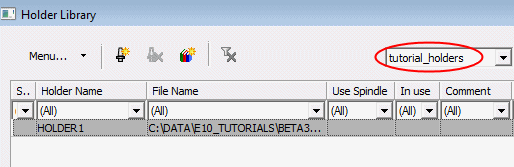
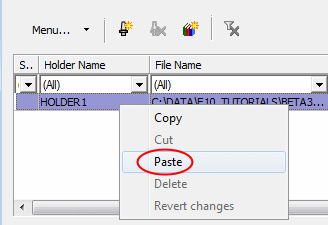
Right-click the cutter raw and select the Copy option.
Repeat the same operation and select Paste.
-
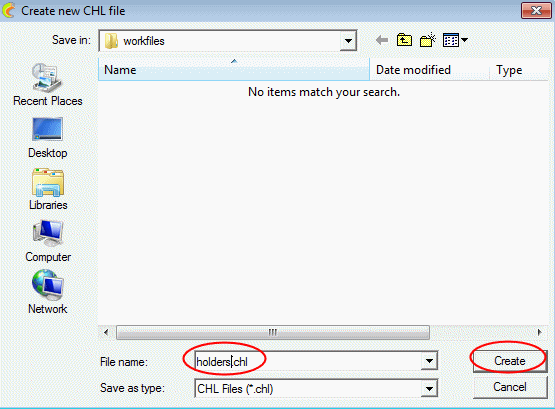
As with cutters, you first need a .chl file in order to copy holders to the library.
Name the new .chl and click Create.
-
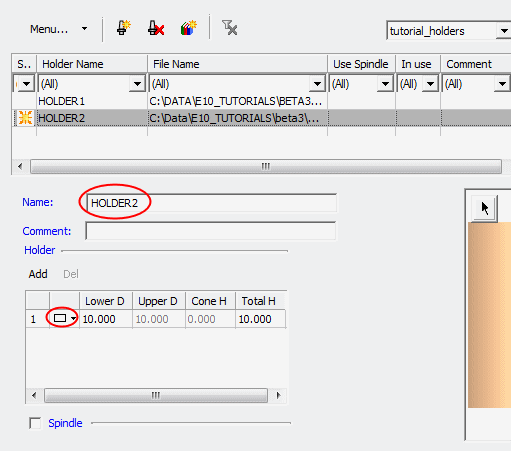
Set the parameters of the new holder as shown in the following image:
-
Click ApplyApply.
-
Exit the Holder Library dialog and close the document.


