|
|
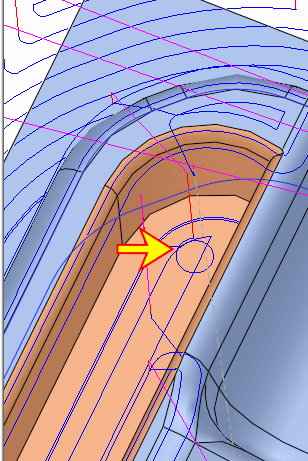
Horizontal Planes Approach - Step 2
The approach motions are now performed through the air and not through the stock.
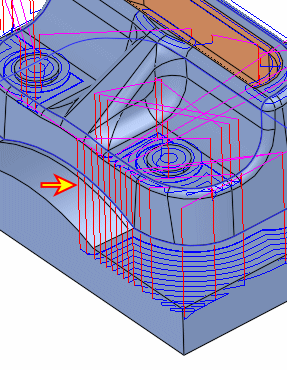
-
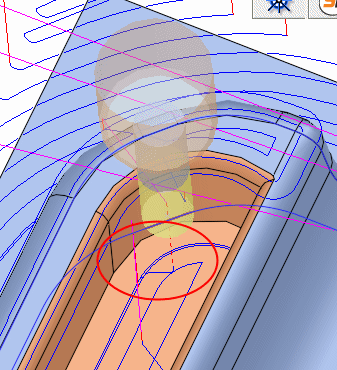
Zoom-in to the area in the following image marked with a RED circle.
-
Edit the procedure. Change the parameters of the Entry and End Points as shown in the following image:
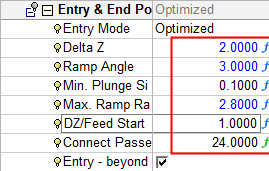
Also note the Delta Z: This parameter will set the delta Z value above the horizontal plane to start the approach.
-
Execute the procedure. If a pocket was defined, the tool plunges in the spiral approach.