|
|
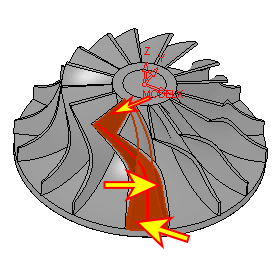
Impeller 2
Note that the Default Lead can be either set to In or Out for all situations.
-
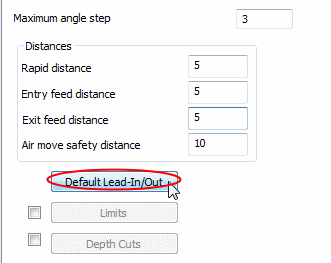
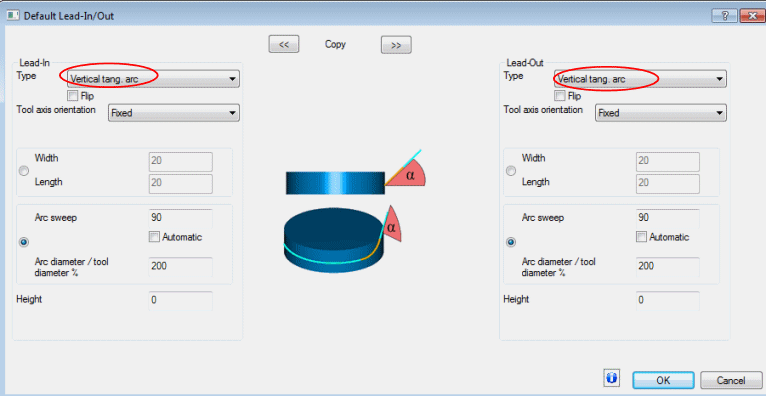
Click the Default Lead- In/Out button and set the parameters as shown in the following image:
-
Click OK.
-
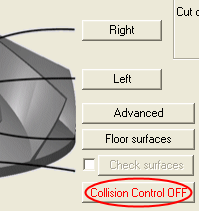
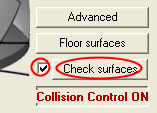
Click Collision Control to switch it from OFF to ON.
-
Now, mark the Check Surfaces check box and click Check Surfaces.
-
Select the walls and floor as check surfaces.