|
|
Impeller 4
-
Edit the procedure.
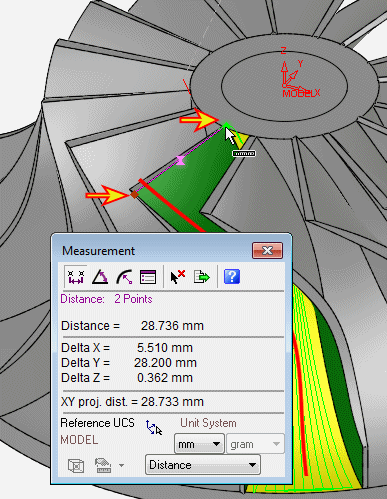
Measuring the blade at its deepest point, we see that it is more than 28 mm.
-
Click the Access tab.
-
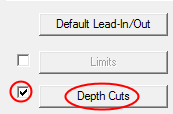
Mark the Depth Cuts option and click Depth Cuts to open the menu.
-
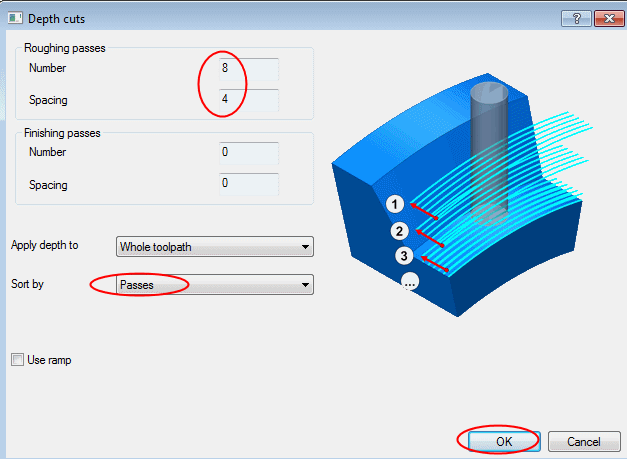
Set the Roughing Passes to 8 with a Spacing of 4 mm.
-
Sort by Passes. This will result in layers.
-
Click OK.
-
Execute the procedure.
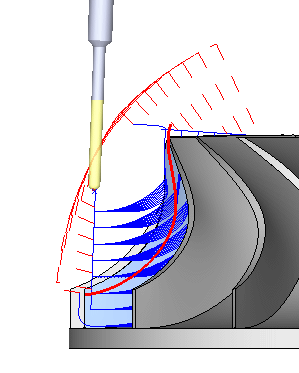
Viewing from the side, we can see that there are quite a few air motions. This is the price paid for using the simplified interface of the application. Our toolpath is not 100 percent efficient, but we should not settle for “good enough.” We can switch to the 5X Pro interface at this point and refine the parameters so that we get the perfect result.