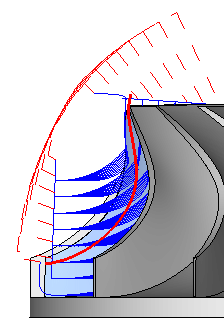
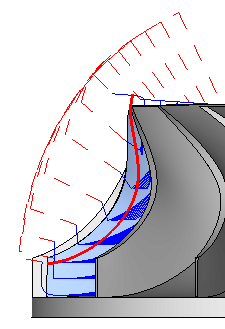
|
|
Impeller 5
-
Edit the procedure and change the Subselection to Pro.
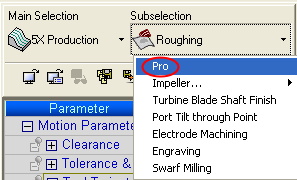
-
Access the 5X Pro menu.
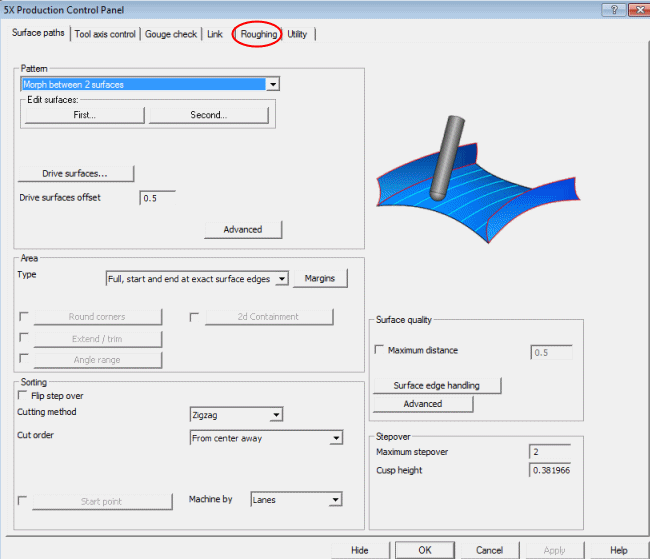
We can see that it opens with all of the parameters set to those that we set in the Roughing Application, along with its own defaults.
We have a Morph Between 2 Surfaces procedure set to our needs. -
Click the Roughing tab.
-
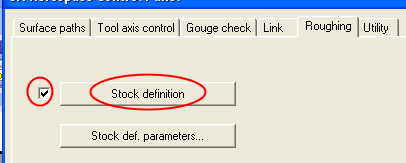
Activate the Stock Definition & click Stock definition.
-
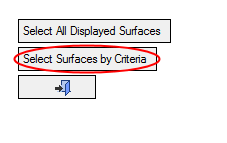
Click Select Surfaces by Criteria.
-
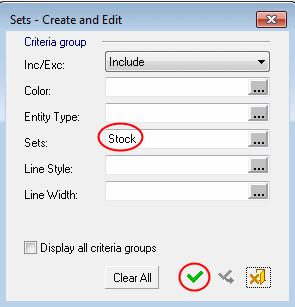
Select the Set called Stock.
-
Execute the procedure and view the results. Note that the layers have been trimmed to the stock limits.