|
|
Chamfer
Keep Face
-
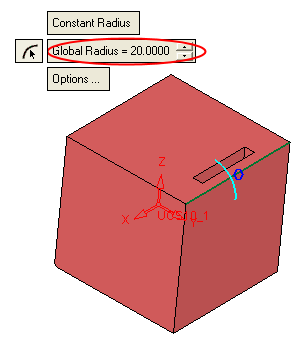
Apply the Round operation to the selected edge:
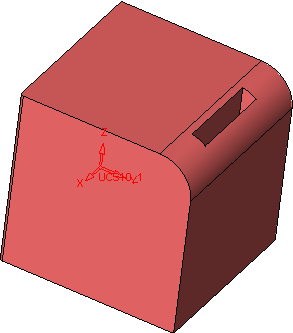
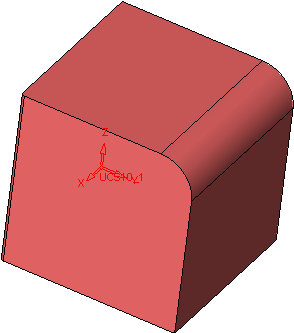
The following rounded edge is produced.
-
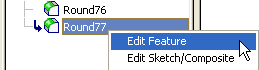
EditEdit the round edge.
-
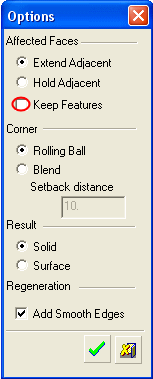
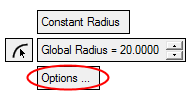
Press the Options tabOptions tab and deselect the Keep Features option.
-
Apply the Round operation again and notice the pocket faces now disappear.
-
Edit the Round once more. Reselect the Keep features option and click OK.


