|
|
Chamfer
-
Select the option Solid > Chamfer.
-
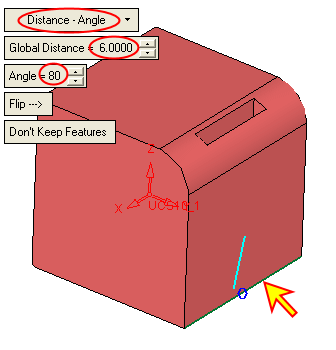
Select the edge and set the parameters as indicated in the picture:
-
Click the Preview buttonPreview button
 .
.
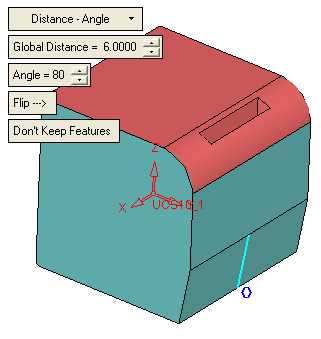
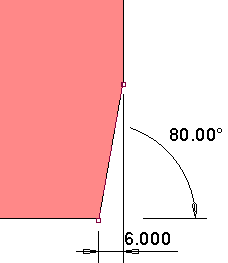
Note the parameters of the chamfer.
-
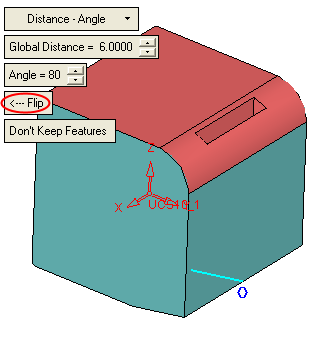
Flip the direction of the chamfer.
The distance (6) is now calculated on the horizontal edges.