|
|
Round
In this section, the difference between the Linear and Spline transition options is explained, and advice is provided regarding various features of the Round function.
Linear
-
Either right-click and select Round or select Solid > Round.
-
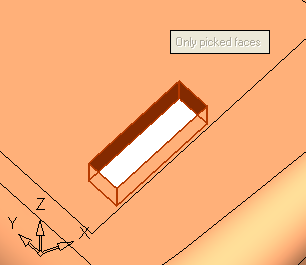
Select the line shown in the image below:
-
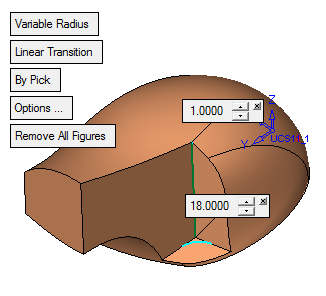
Press the Middle Mouse Button to accept this choice, and toggle the Constant Radius option to Variable Radius.
-
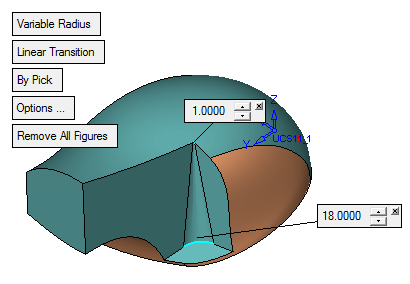
Set the options as follows:
-
Press the Preview buttonPreview button
 in the Feature Guide.
 -