|
|
Drive - Stage 2
-
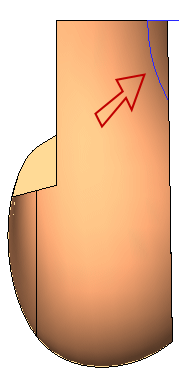
Create the following section on the face indicated:
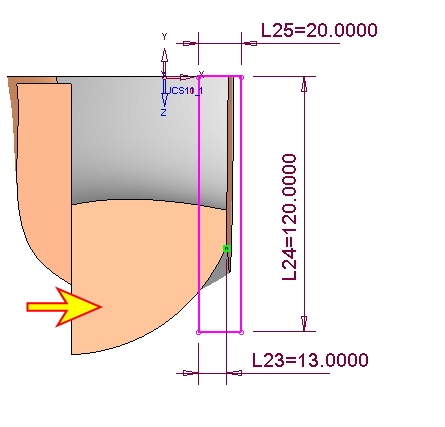
-
Now sketch the following arcarc:
-
Enter the sketcher on the XY plane.
-
Rotate the part and create the following references using the Add ReferenceAdd Reference
 button .
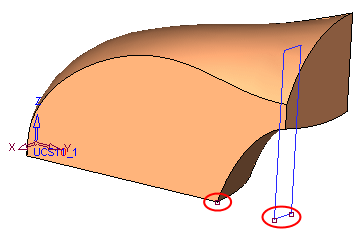
-
Rotate to Top View.
-
Choose the arc function. Right-click and select the Center option.
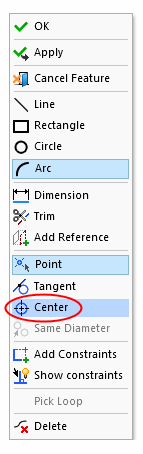
-
Pick a point on the constraint line as shown:
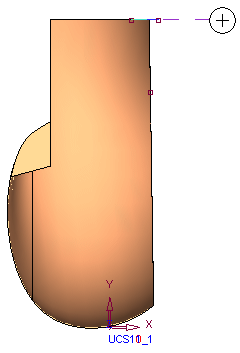
-
Click the reference point indicated, as the edge of the circle:
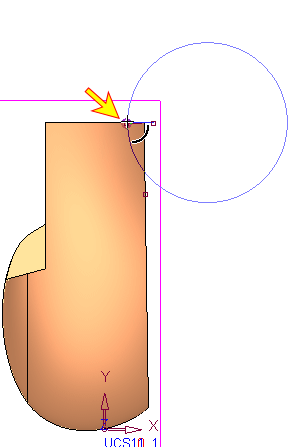
-
Click the second end point of the arc somewhere along the circle.
-
Zoom into the region surrounding the bottom reference point, and notice how the edge of the circle misses the point:
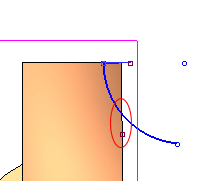
-
To correct this, click on the reference point and the end point of the arc, click the Constraints buttonConstraints button
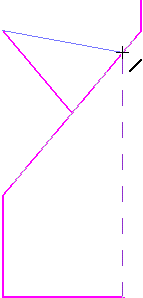 on the sketcher toolbar, and click on the Coincident tabCoincident tab
 .
.
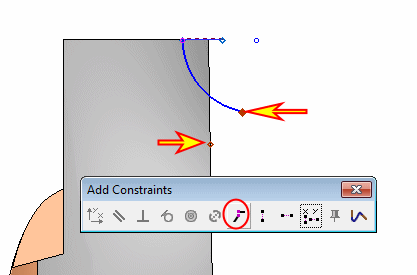
The circle is now aligned with the point. -
Confirm the Sketcher.
-
-
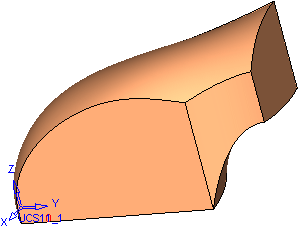
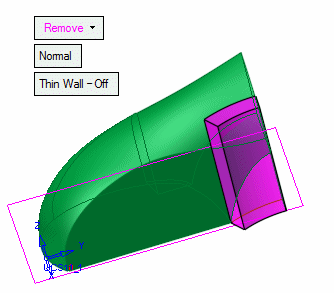
Select Solid > Creation > Drive (Remove).
-
Select the section followed by the above spine and click OKOK in the Feature Guide.
 .
.


