|
|


Local Parting Surface
-
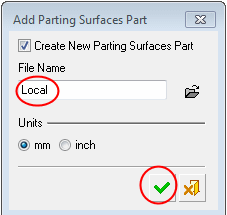
Add another parting surface part.Add another parting surface part.
Name it Local.
-
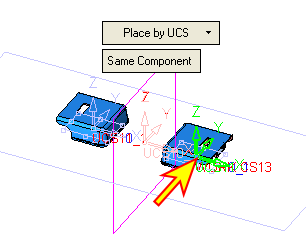
Place the parting surface part on the UCS as indicated by the arrow in the following image.
Click OK.
-
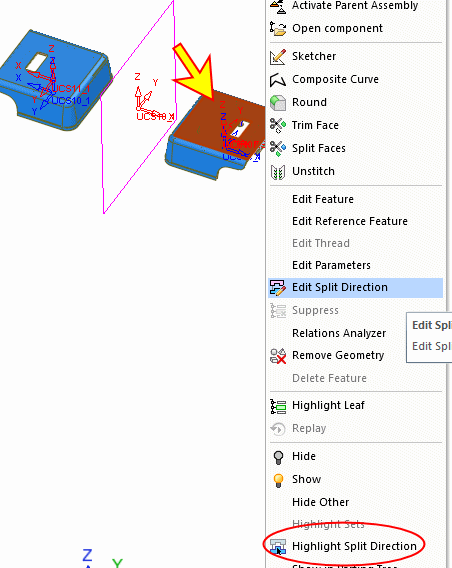
You can highlight the split direction in the tree through the display area. Select the face indicated below.
Right-click and select Highlight Split Direction. The relevant split direction is now highlighted in the tree.
-
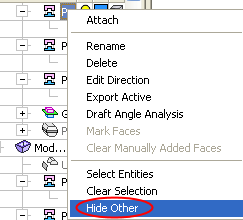
Right-click the highlighted split direction in the tree.
Select the Hide Other option to hide all other split directions (only the blue faces remain).