|
|


Extended Planar and Cone
Create an extended face in the local parting surface part.
Ensure that the local parting surface part is activated.
-
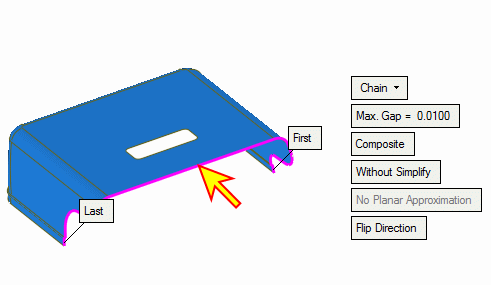
Create a composite curve as shown in the following image:
-
Click Faces > Create Faces > Extend Planar and ConeFaces > Create Faces > Extend Planar and Cone.
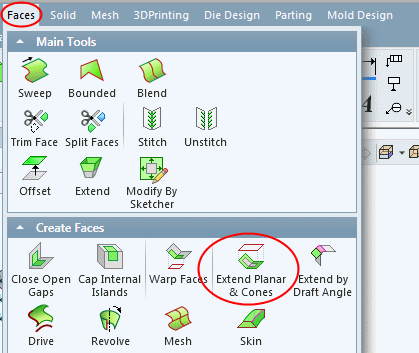
With this option, you can pick a set of stitched (and adjacent) planar/cylindrical/conic faces (or NURBs - faces that can be simplified to such types) and extend them to a reference geometry (that is defined by a sketch or 2D wire).
-
Select Adjacent Planar and Cone faces by box as indicated by the arrow in the following image and Exit.
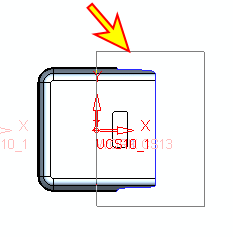
Free edges of the selected faces are highlighted.
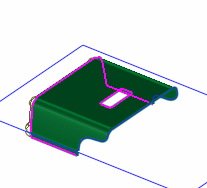
-
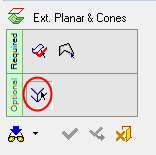
Enter the first optional stagefirst optional stage to unselect the extra edges.
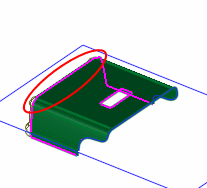
You now need to select a reference closed sketch.
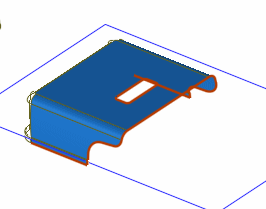
- Enter the Sketcher on the XY plane.
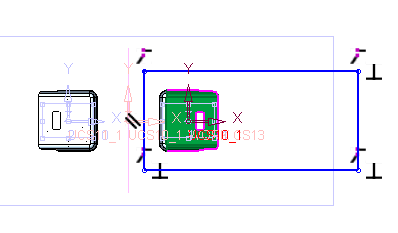
Create the following sketch.
Show the layout part to ensure that the sketch exceeds the boundaries of the mold.