|
|


Upper/Lower Delta
-
Exit the Sketcher and view the preview of this feature.
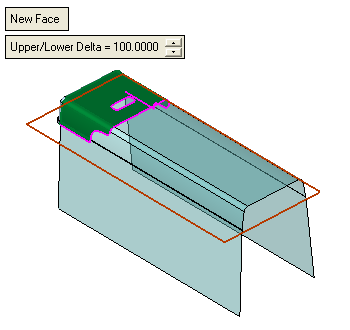
The faces are extended towards an imaginary sweep face created by the sketch. -
Change the Upper/Lower Delta value to 0 and click OK.
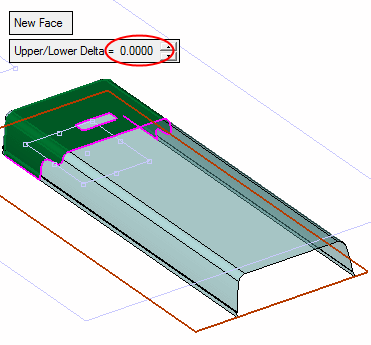
The internal parting faces were also created.
-
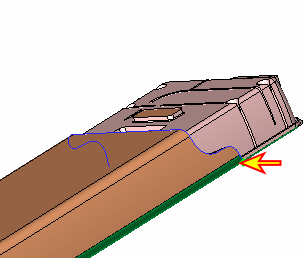
Fix the result. Trim the lower face with the point indicated by the arrow in the following image.
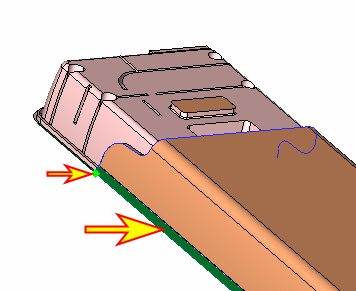
-
Select the Section option, and click Apply.
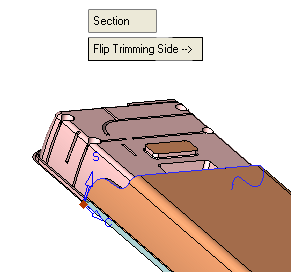
-
Repeat this operation on the other side.
The Upper/Lower Delta value controls the cupping plane or face of the upper and lower bounding boxes of the selected faces.
