|
|
Local Preview
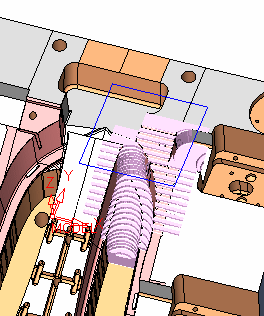
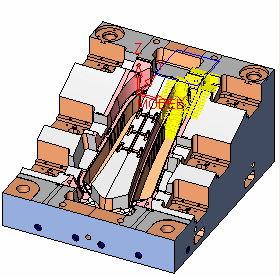
Now we'll examine a certain area in more detail. Therefore, we'll use Local Preview to view the remaining stock near the upper side of the center slide as follows:
-
Mark the Local Preview check box.

-
Click the Edit Local BoxEdit Local Box
 button to edit the area as indicated in the following image:
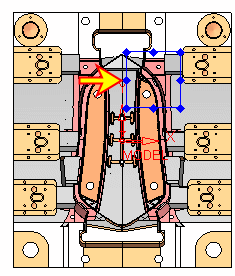
While Edit Local Box is activated, the options for preview are disabled. Once you exit the Edit Local Box mode, the options are enabled again.
-
Click the Edit Local BoxEdit Local Box
 button to exit the edit mode.
 -
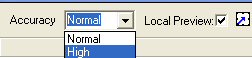
Select High from the Accuracy dropdown list.
-
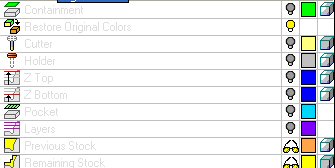
Click the Remaining StockRemaining Stock
 preview button.
-
Hide the remaining stock and click the Excessive Material preview button.