|
|
Remaining Stock After Refine-Rough
-
Save the procedure and execute. This may take a while (approximately 5 minutes).
-
Compare the result of the machining simulation with the preview and observe how similar the results are.
-
Accept the default setting and click OK.
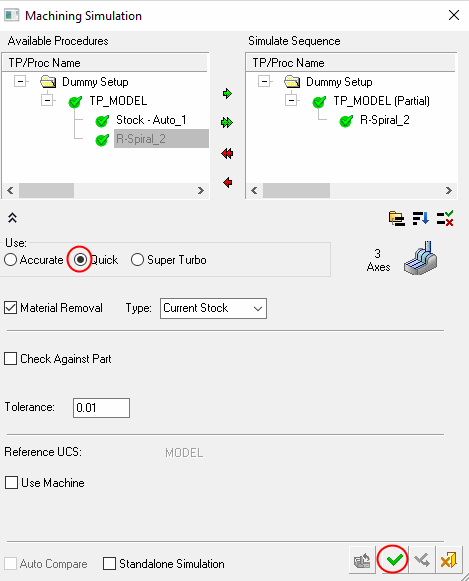
-
Simulate the procedure.
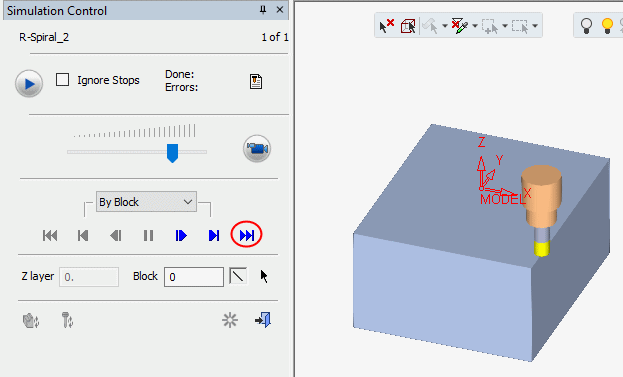
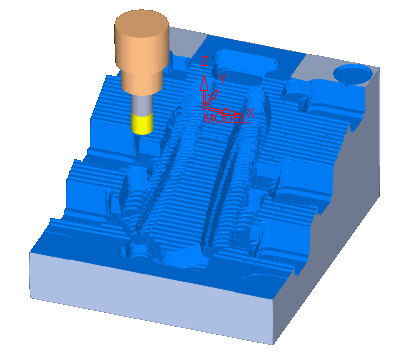
-
Copy the previous procedure.
-
Change the cutter to BULL 40R2*120 to perform a refine rough.
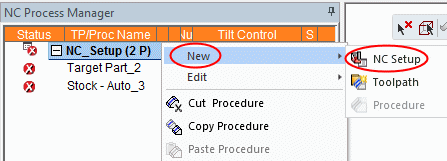
-
Click the Remaining Stock preview icon.
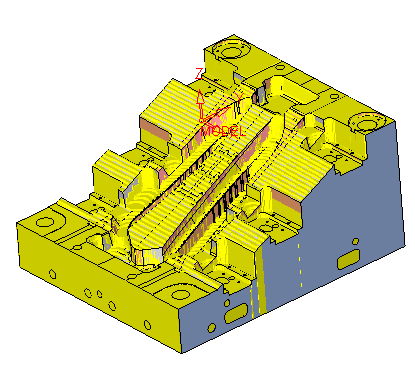

Remaining stock is exact stock. This is based on the calculated toolpath from the previous procedure (or in general cases, all previous procedures).
Therefore, there is no accumulation of accuracy errors as we progress in the NC process.
Note how similar it is to the result generated by the simulator.


