|
|
Machining Method
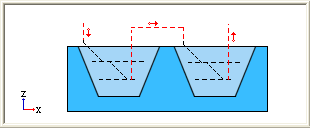
The Region machining method reduces air movements, thus reducing machining time.
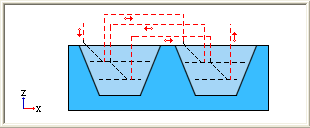
The Layers machining method skips regions if necessary and returns to these regions when a complete constant Z layer is completed.
-
In the second Toolpath, edit the second Rough procedure.
-
Enter a Spark Gap of 0.2 mm.
-
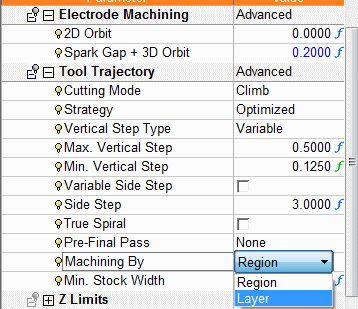
Change the Machining By parameter to Layer.
-
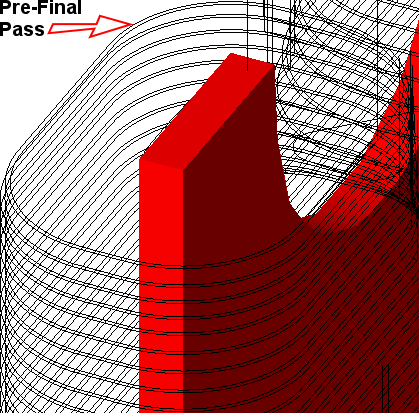
Set the Pre-Final Pass parameter to All Around.
-
Set the Margin for Pre-Final Pass to 0.1 mm.
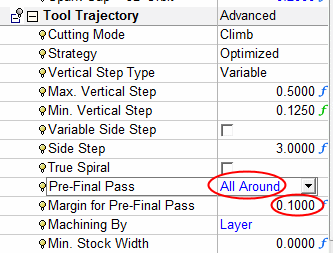
In this scenario, the Add Final Pass parameter is used to machine the thin walls (with machining method By Layer) to keep the walls from bending.
The Margin is the amount of material that will remain for the pre-final milling motion. -
Save & calculate the procedure.
The Pre-Final Pass Margin can clearly be seen when zooming into the Electrode.
-
In the first Toolpath, highlight the second Rough procedure and open the NavigatorNavigator
 .
.
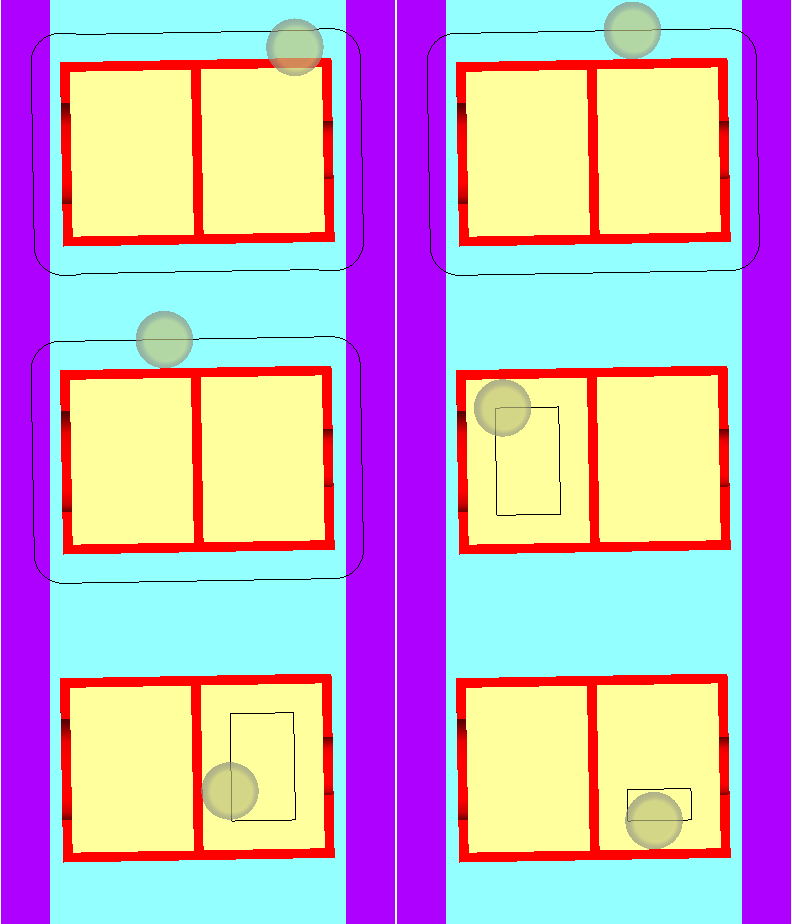
This moviemovie below shows the toolpath motions when using the Region Machining Method.
Due to the reduction in air movementsreduction in air movements when using the Region Machining Method, one pocket is machined and then the second. When machining the second pocket, pressure on the middle wall could cause it to break.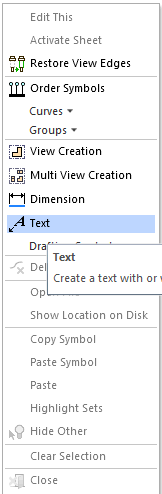
-
In the second toolpath, highlight the second Rough procedure and open the Wireframe Simulator.
This moviemovie below shows the toolpath motions when using the Layers Machining Method.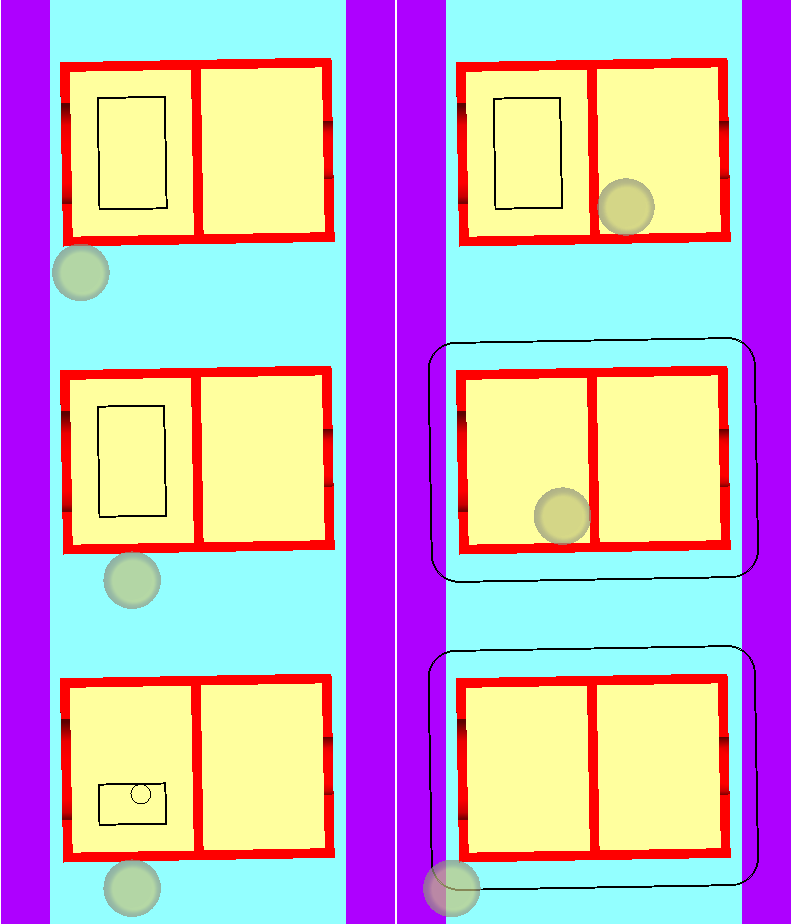
Due to a constant Z layer being implemented when using the Layer Machining Method, both pockets are machined simultaneously. Using this method, the middle wall is machined equally, thus reducing pressure.
-
SimulateSimulate
 the second toolpath.
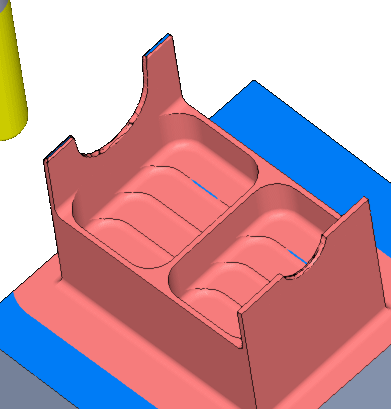
The image above shows that using Cimatron Electrode parameters, results in a thinner and more accurate wall dimensions.


