|
|
Modify a View
To activate an exploded view, right-click it from the menu and select the Activate View option (or double-click on the view).
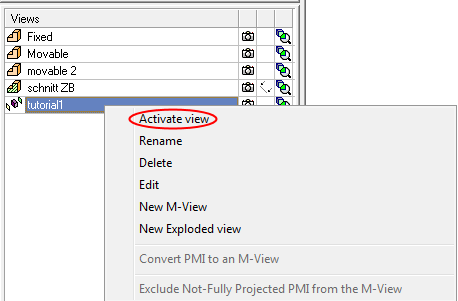
Activate View shows the exploded view in read-only mode. In this mode, the view cannot be modified.
-
To modify the view, right-click and select Edit.
-
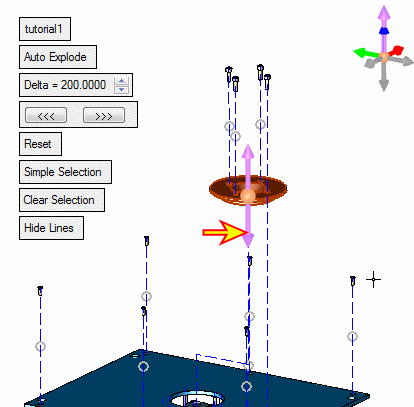
Toggle the Hierarchic Selection option to Simple Selection and select the locating ring and drag it downwards.
-
Click OK.


