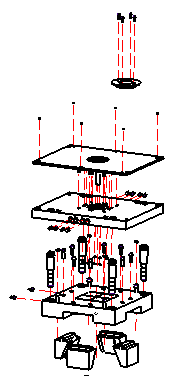
|
|


Place the View in Drafting
-
Open a New Drawing File.
-
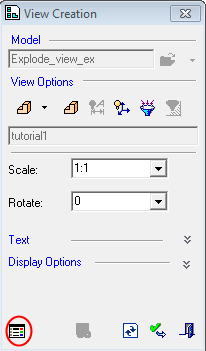
Select the View Creation option.
-
Open the Exploded View assembly.
-
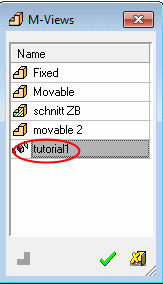
Select the exploded view from the M-View dialog.
-
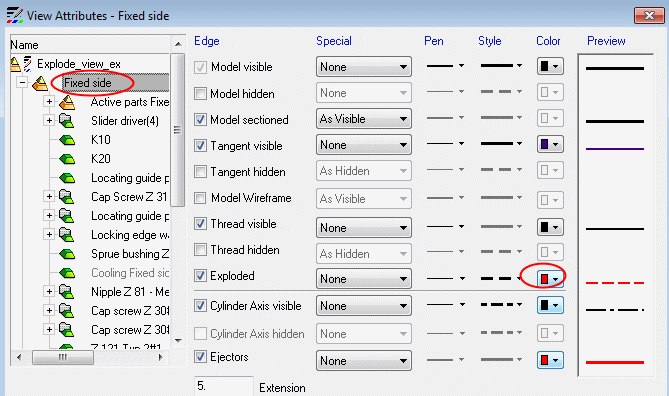
Open the View Attribute dialogView Attribute dialog. Select the locating ring and deselect the Exploded option.
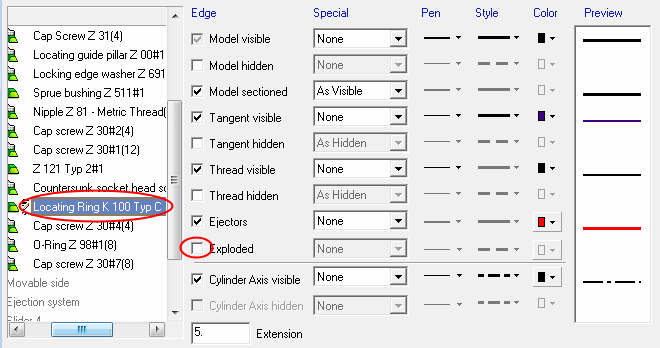
-
Select the Fixed Side assembly and change the color of the exploded line to RED. Click OK.