|
|
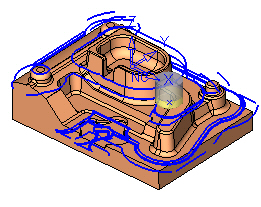
Motion Filter Display - Step 2
-
Hide the Air Motions, Pass Connections, and Approach & Retract motions.
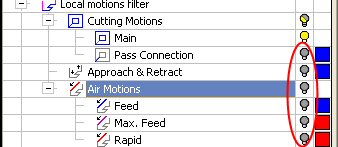
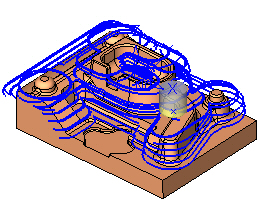
This means that only the Between Layers are shown and within the Between Layer motions, only the Main Motions are shown.
-
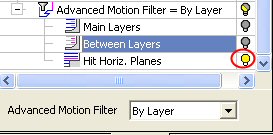
Show only Hit Horiz. Planes.
-
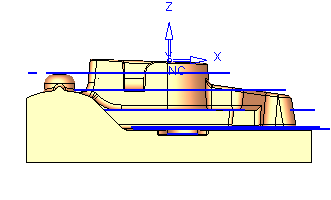
Switch to Front view.