Data To Steel

Parameter Exercises

Verification

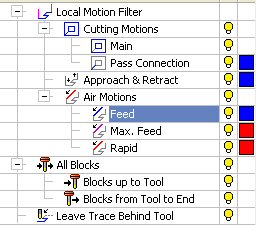
  1. Turn on all filtersall filters.

    This procedure was manually edited.

    You can check the other motion filters.

  2. Select the Verification option from the Advanced Motion Filter display.
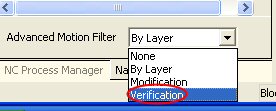
    The Advanced Motion Filter contains the following options:

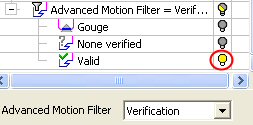
    • GougeGouge (Display all verified motions that result in a gouge. In this case, there are none.)

    • None VerifiedNone Verified (Display all unverified motions. These are motions that were not selected for verification in the Motion Editor.)

    • ValidValid (Display all valid motions.)

  3. Turn on only the bulb for Valid.

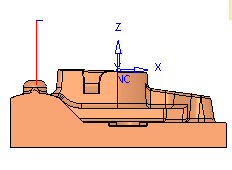
    Observe the Valid motions of this procedure.
Some functionality may be dependent on the product package. Contact your Reseller if you require a license.