|
|
Move Along Z Direction
-
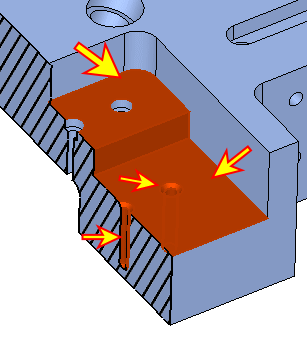
Select the two horizontal faces, the vertical faces, and the two holes as shown in the picture. Exit.
-
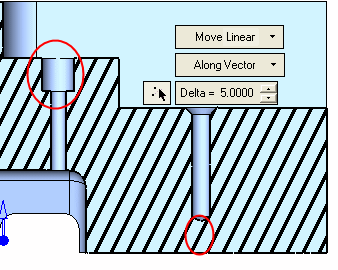
Move Along Z direction. Set the Delta value to 5, and click Apply.
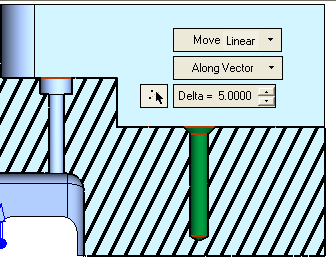
Note that while the entire right hole was moved, the left hole was extended (its upper face).
Reset the Dynamic section mode.