|
|
Offset Face
-
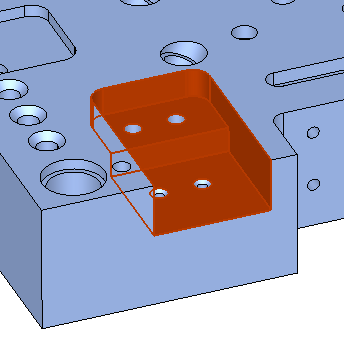
Select the wall faces, the two horizontal faces, and the straight wall. Exit.
-
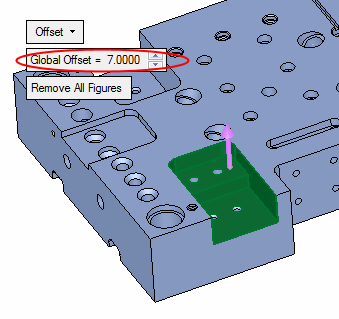
Toggle the Move Linear option to Offset.
-
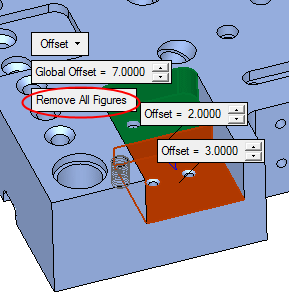
Set the Global Offset value to 7.
-
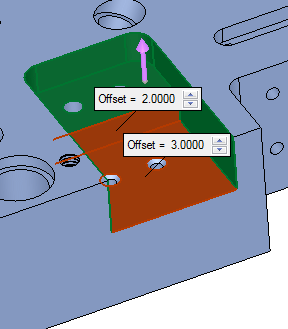
Set different offsets to the two faces shown in the picture, 2 and 3 (Click each face to change its offset value).
-
Select OK.
-
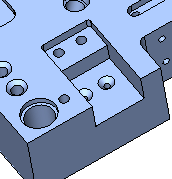
Edit the Extend Object feature. Click the Remove All Figures button to set the global offset value to the entire faces.
-
Click OK.


