|
|
Movie Playback
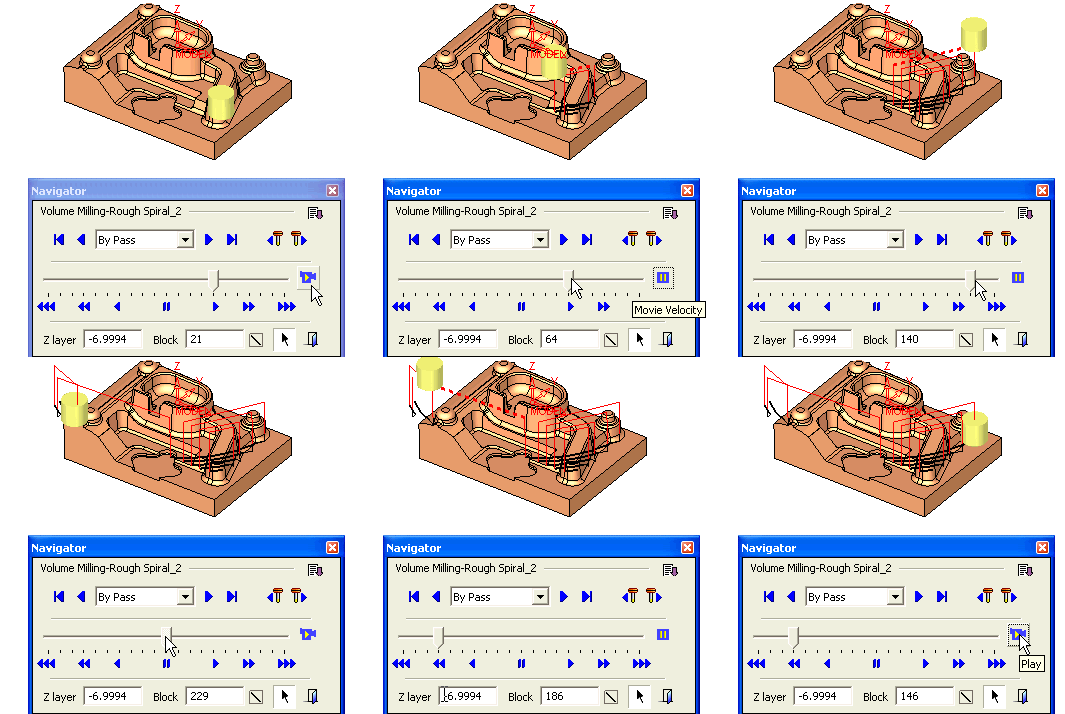
The movie shows the cutting tool moving in a constant smooth motion along the toolpath.

-
Click the Play button to play the movie.
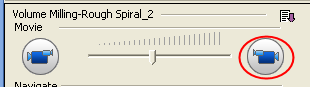
To control the velocity of the tool motions in the movie, drag the slider left or right of the center marker. -
To change the tool direction, click the left Movieleft Movie
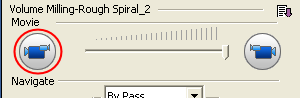 button.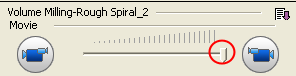
maximum movie 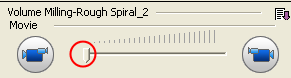
minimum speed - You can change the display of the motions while the movie is running.
Turn on the Air Motions.
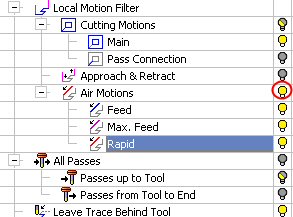
Notice the changes in the display area. - Pause the movie.
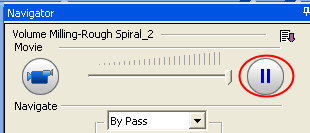
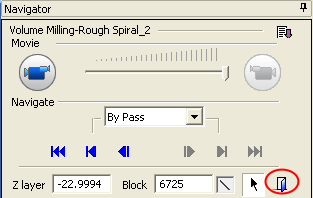
- Click the Exit button to exit the Navigator.