|
|
Leave Trace Behind Tool Mode
-
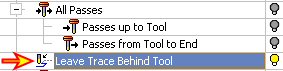
Turn on Leave Trace Behind Tool.
-
Press the Next Step button.
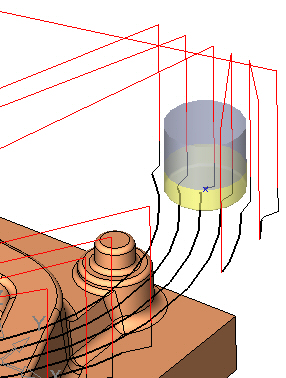
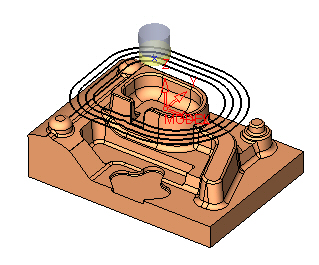
Note that the tool proceeds to the next pass and shows the passes in its trace.
-
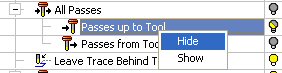
Right-click on Passes Up To Tool and select Hide. (Only the current pass is now displayed.)
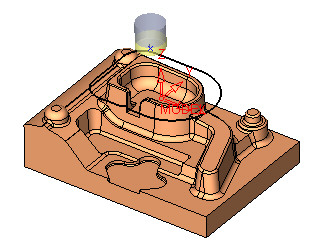
-
Turn off the Leave Trace Behind Tool.
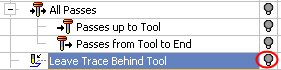
-
Click the Step Forwards button.
Note that now Cimatron hides the trace of the passes. The tool proceeds and hides the previous pass that it just left.
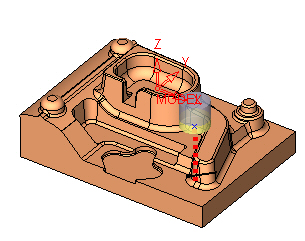
-
Turn on the Leave Trace Behind Tool, as well as all Air Motions and Approach & Retract motions.
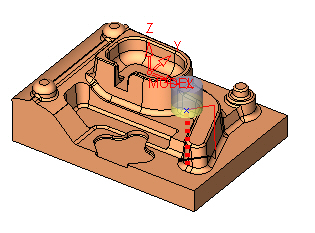
-
Click the Step Forwards button.
Click Enter continuously until you reach the stage shown in the following image:
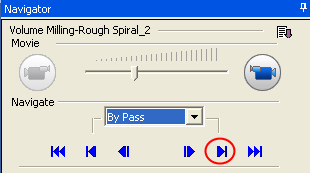
-
Zoom-in to the area highlighted by the RED circle in the following image:
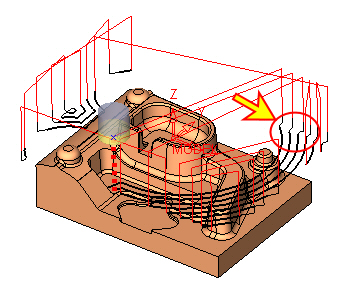
Notice the Line symbol next to the Block number.

-
Pick the point as indicated by the arrow in the following image:
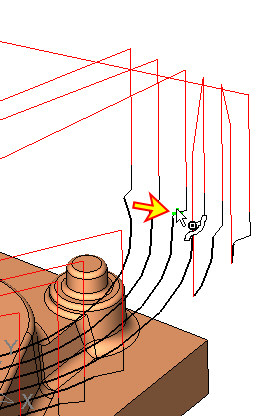
Note that since you have picked a curve segment, the symbol has changed accordingly.