|
|
Multiple Sources Multiple Targets
-
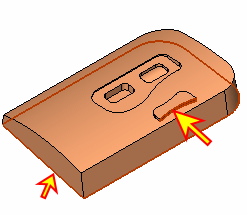
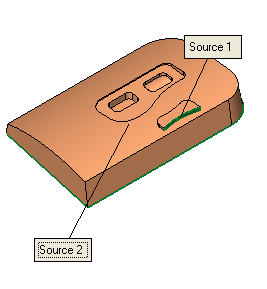
Select the faces indicated by the arrow in the picture below (first select the small side face and then the bottom face), and Exit.
-
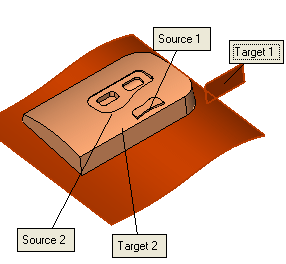
Show the replace3 set. First, select the small blue face and then select the yellow face.
-
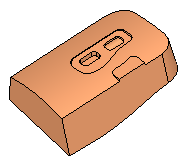
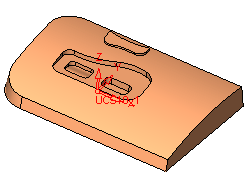
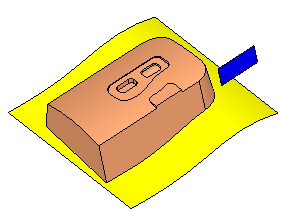
Click OK. The selected Source 1 and 2 faces are replaced with the selected Target 1 and 2 faces, respectively as follows:
-
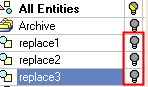
Hide the set following sets: