|
|


Stretch
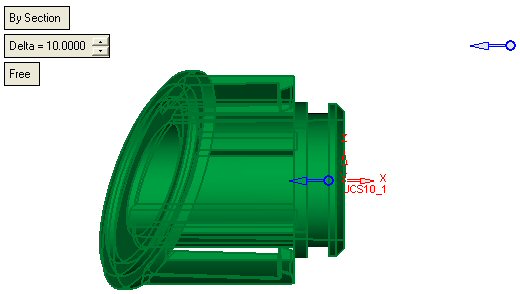
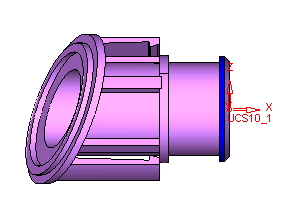
Stretch or shrink an object (as well as, objects and wire bodies) along a vector in relative to a reference plane. This tool enables stretching and compressing any type of object or objects (such as, solid, skin, curve, composite and so on) under specific conditions along a predefined vector.
Stretch by section
 Open the Stretch.elt file.
Select the option Solid\Stretch
Pick the object to stretch (pick the part body). Exit.
Select the face as indicated by the arrow in the picture below.
 The Selected face, determine the direction of the Stretch –always normal to the face.
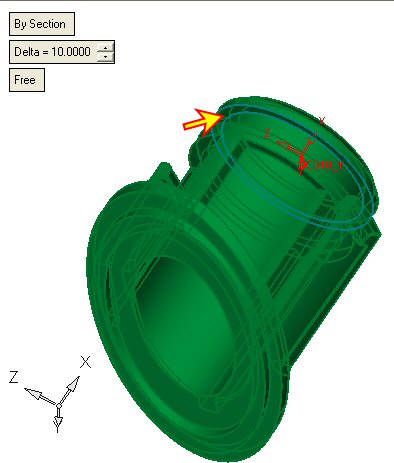
Enter a Delta of 10 mm. ensure that the side of the arrow is as indicated in picture. Select OK.
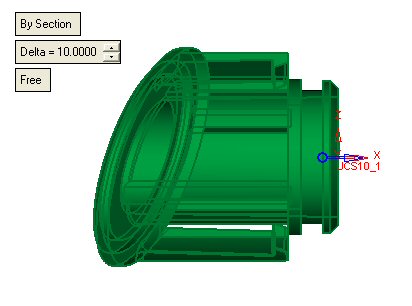
The arrow is determining not only the stretching direction, but also which section to stretch, the one to the left or right to the selected face? In our case the arrow is pointing to the right and thus the section of the blue face (indicated by the arrow in the picture below) is being stretch in a given delta, while the rest of the body remains with no change..
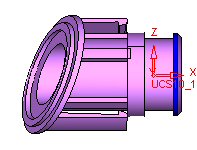
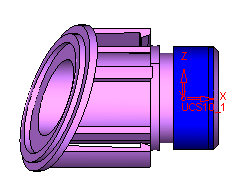
Edit the side of the arrow, to select the section in the other side of the selected face.