|
|


Split Direction
New Direction
We'll now set the opening directions of the mold and attach the relevant faces to each split direction.
-
Hide the layout part in the assembly tree for clarity.
-
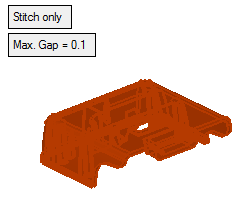
Before you define the split direction, stitch the part in order to enable working with the advanced tools of the split direction analysis.
-
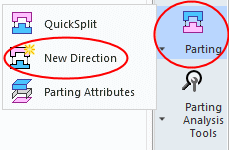
Click Parting > New DirectionParting > New Direction.
-
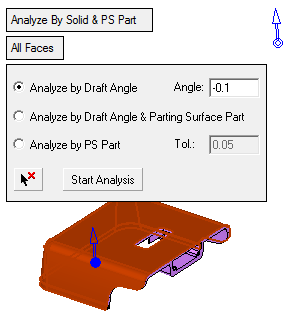
Select one of the faces in the Z open direction as indicated by the arrow in the following image.
Accept the default arrow in the Z direction.
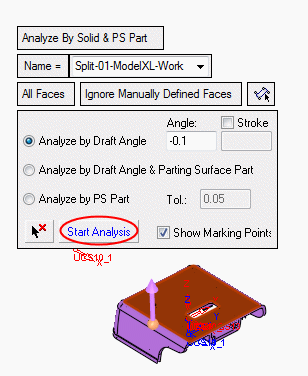
Click Start Analysis to detect all relevant faces that are suitable for the Z open direction:
-
All the relevant faces are selected. Click Apply in the Feature Guide.