|
|


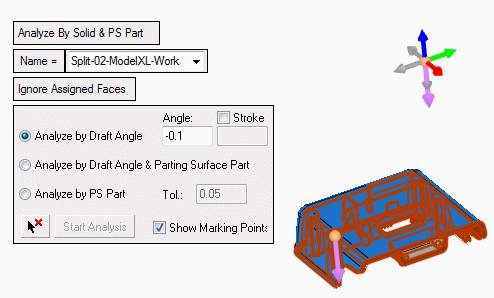
Ignore Assign Faces
-
Define another split direction as follows:
- Flip the arrow direction (-Z).
- Toggle the All faces option to Ignore Assigned Faces to avoid the selection of the assigned faces that are suitable for both sides.
- Select the face indicated by the arrow and click Start Analysis.
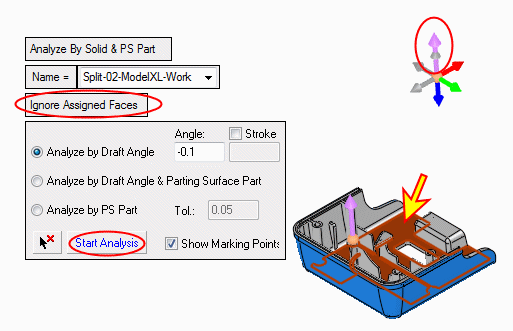
- Click Apply.