|
|


Split Face
-
Activate the work part (ModelXL).
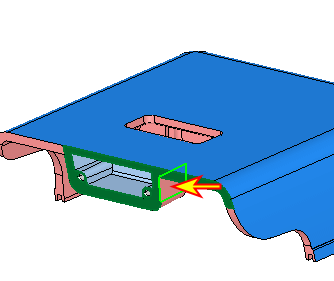
Select the front face of one of the work parts.
Right-click and select Split face.
-
Exit.
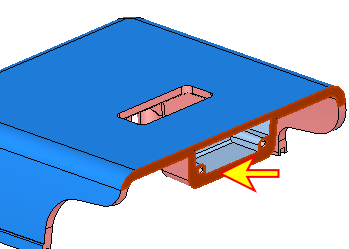
Select the face indicated by the arrow in the following image as the splitting face.
Click Apply.
-
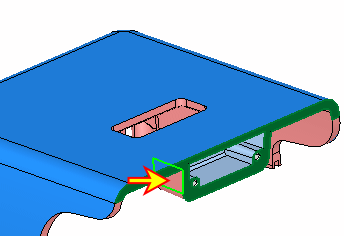
Create another split with the other face.
Click OK.