|
|
Next Block
-
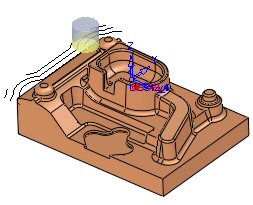
While in the layer step, click the next block button to navigate the tool forwards within the current layer by block step.
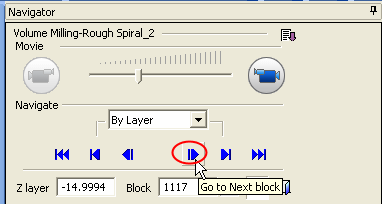
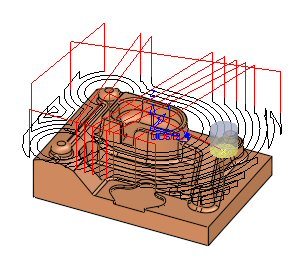
Keep the Enter key pressed to move the tool continuously according to the last selected button.
For example, if you press the block forward button and then keep the Enter key pressed, the tool will move continuously by block forwards. -
Turn off the Air Motions filter, Approach and Retract, and Pass Connections.
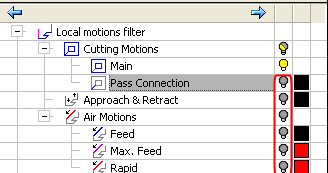
-
Press the step forwardstep forward
 button.