|
|
Step 1
Object Direction
-
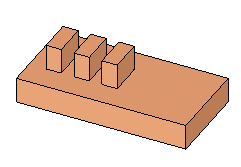
Open the SIMPLE_NC.elt file.
-
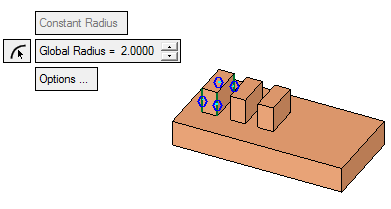
Click Analysis > Tools > Object Direction Analysis > Tools > Object Direction or click the
 button.
-
Toggle the Manual option to Auto.
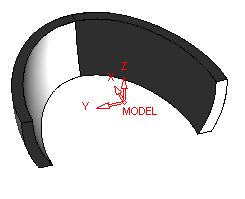
Select the face and apply the direction as indicated below and then select the other faces displayed in black.
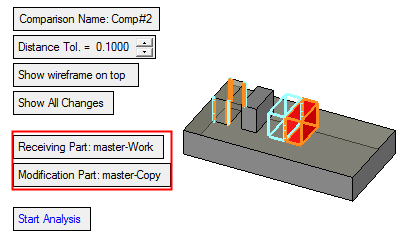
After performing the operation, if entering the Object Direction option, all faces are in the right direction.


