|
|
Create Part and Stock
-
Create a 5X toolpath.
Set the Z (Clearance) to 70.
-
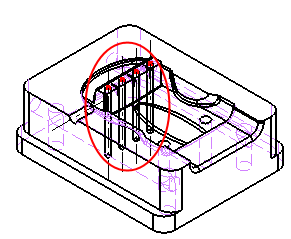
Create a Part procedure using the Select all Displayed SurfacesSelect all Displayed Surfaces option.
-
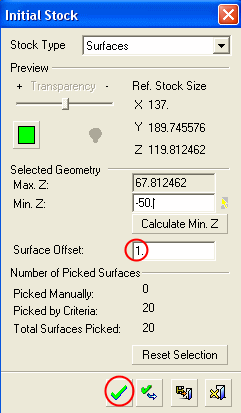
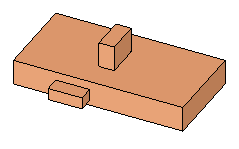
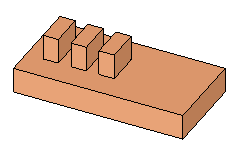
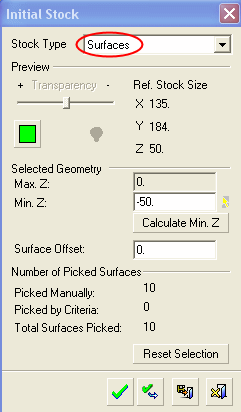
Create a SurfacesSurfaces Stock Type procedure.
-
Right-click the display area and select Select Surfaces by Criteria.
-
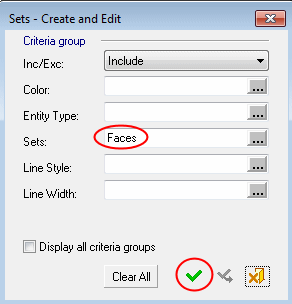
in the Sets - Create and Edit dialog, select the Faces option for Sets and click OK.
-
In the Initial Stock dialog, set the Surface Offset to 1 and click OK.