|
|
Pencil Multi Downstep 1
-
Load the Pencil Multi.elt file.
This option provides you with the ability to perform multiple downstep motions in the Pencil function with two different methods: Z-Shift and Surface Offset. -
Edit the procedure.
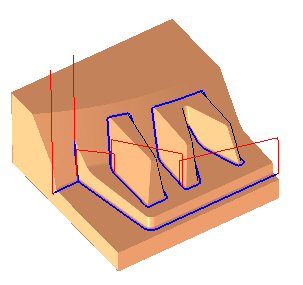
-
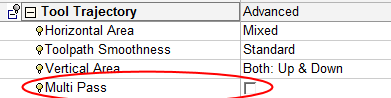
Notice the Multi Pass parameter in the Tool Trajectory section.
-
Duplicate the procedure and edit the new one.
-
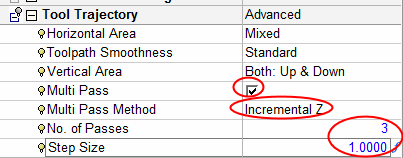
Mark the Multi Pass checkbox.
-
Set the Multi Pass Method to Incremental Z and the other parameters as shown below.
After the Multi Pass chechbox is marked, additional parameters are displayed. These are: Multi Pass Method, Number of Passes, and Step Size.
-
Execute the procedure and check the result.
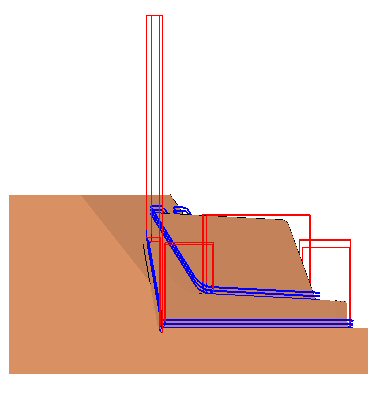
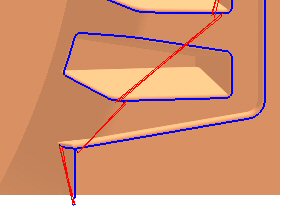
Three passes were created. Additional passes were shifted upwards along Z with the specified step size between them.