|
|
Phantom Connections
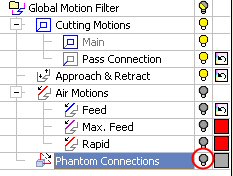
Phantom Connections control the display of motions between procedures and the display of 5-axis connections between drill locations by marking them as phantom.
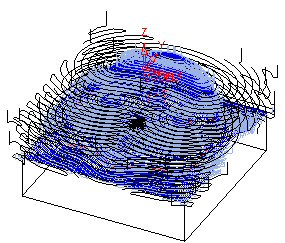
The actual motions here are controlled by the post (according to the machine used). A direct phantom line is displayed to represent the mill or drill order. In many cases, the line cuts through the part but this is not a real machine motion.
The default color, line width, and line style of the Global Filter motions are defined in the Preferences > NC > Toolpath Attributes option.
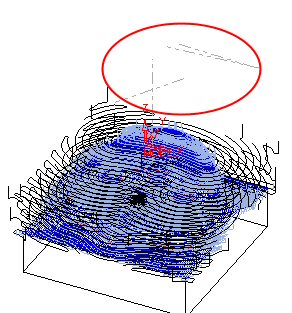
Turn off the Phantom Connections bulb.