|
|
Approach and Retract
-
Turn off the Approach and Retract option.
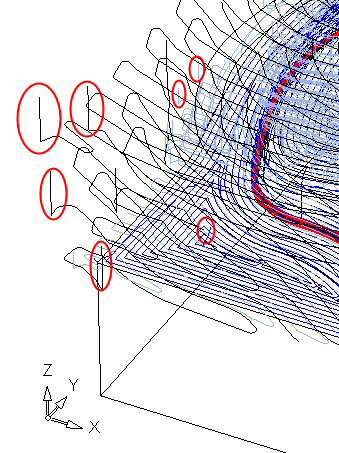
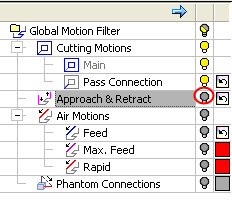
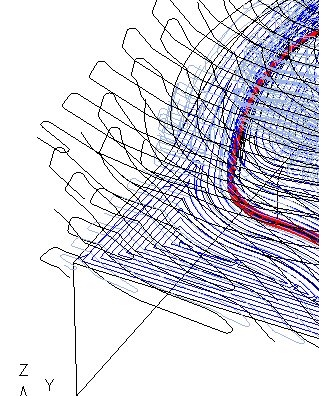
-
Turn on the Approach and Retract option. The current color of Approach and Retract motions is the same as the color of their procedure .
The original color icon is the default color option of the following motions:
-
Pass Connection,
-
Approach & Retract,
-
Air Motion: Feed.
This means that the color of these motions is the same as the color of the procedure in the Process Manager.
-
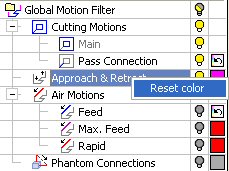
- Click the Color icon
 and change it to PURPLE.
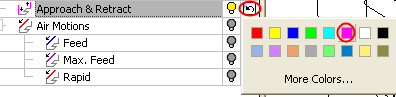
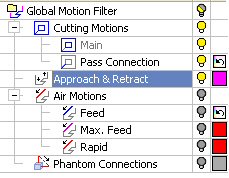
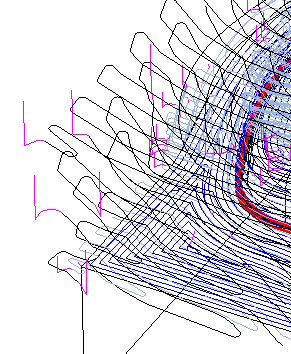
Now all Approach and Retract motions of all procedures are colored purple. - Right-click the Approach & Retract leaf and select Reset Color to retrieve the color of their procedures.