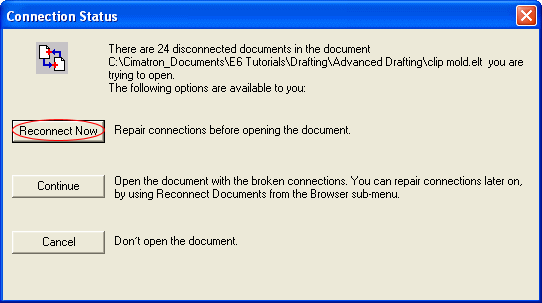
- In the Connection Status dialog, click on the Reconnect Now tab.
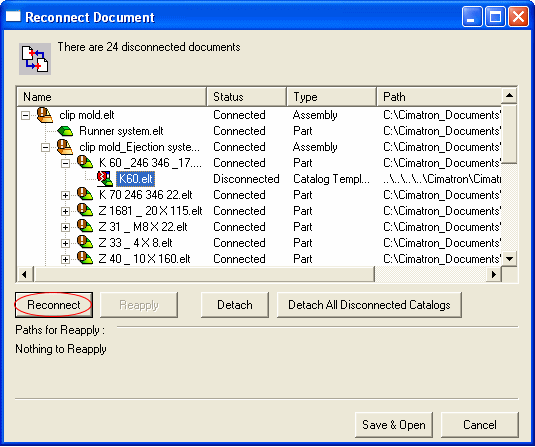
- Click the Reconnect button.
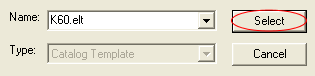
- Browse to the relevant Hasco mm directory on your computer and select the required part.
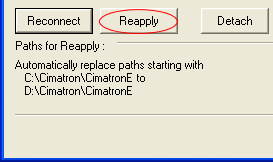
- Click Reapply in the Reconnect Document dialog.
- After all the catalog documents have been reattached, click Save & Open.