|
|
Remove & Extend
Remove
-
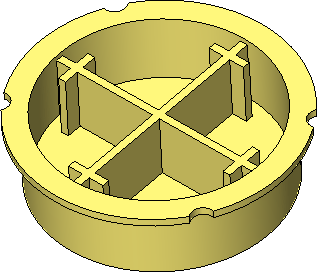
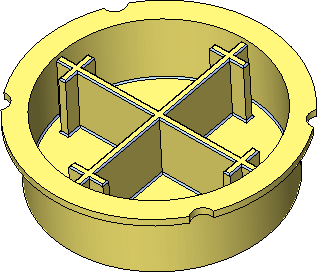
Open the Remove and Extend.elt file locate in the following folder:
\\Cimatron_Documents\Tutorials\Cimatron_2025.0_Workfiles\Design -
Select Solid > Remove & Extend.
Expand to RoundExpand to Round is the default selection option for this function.
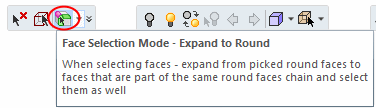
When you pick a face, the related round faces are automatically selected.
-
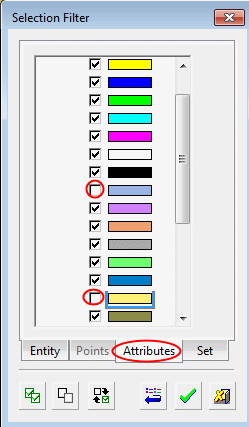
OpenOpen the Selection Filter dialog.
-
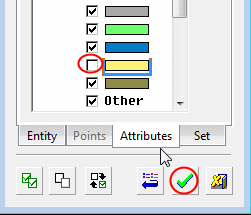
Click on the Attributes tab and unselect the following colors:
-
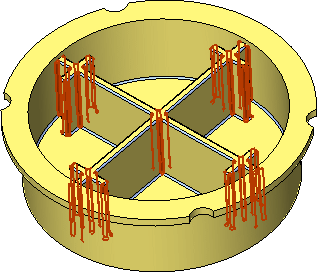
Click the Select All iconSelect All icon
 to select all the required faces.
-
Click OK in the Feature Guide.
The round edges selected have been removed and their adjacent faces extended.
-
Select Solid > Remove & Extend, open the Selection Filter dialog, and deselect the color circled in this imagein this image.
-
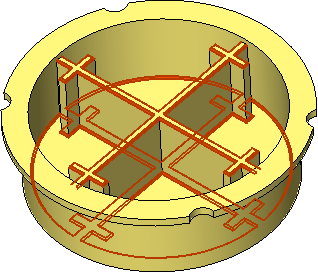
Select all the faces.
-
Click OK in the Feature Guide.